
D-Link

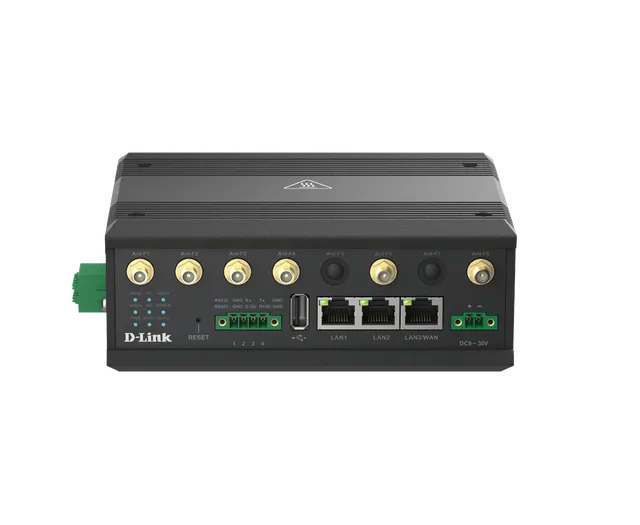
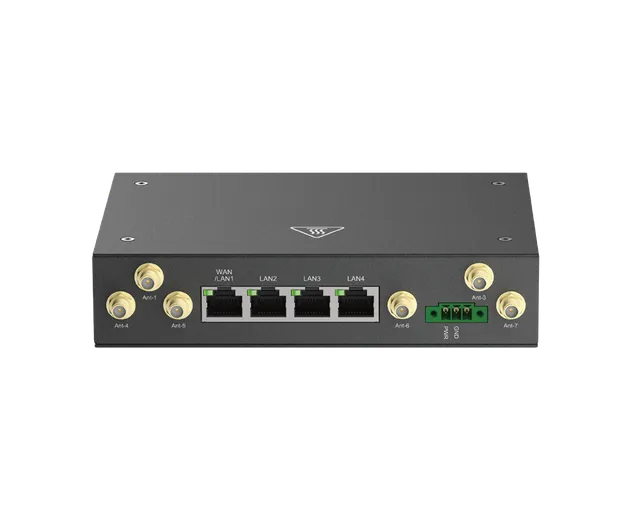
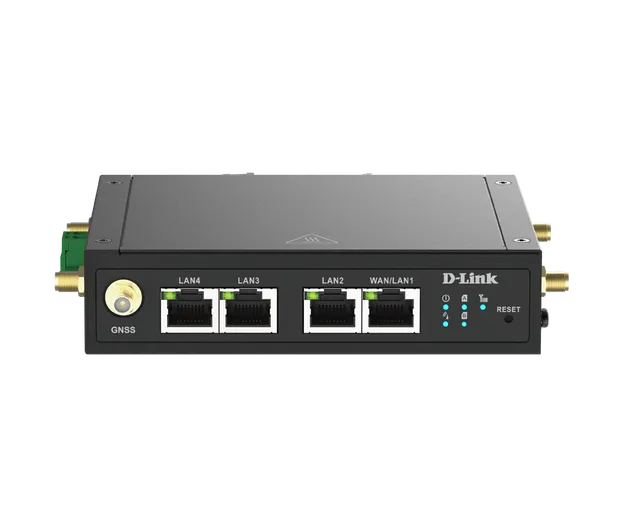
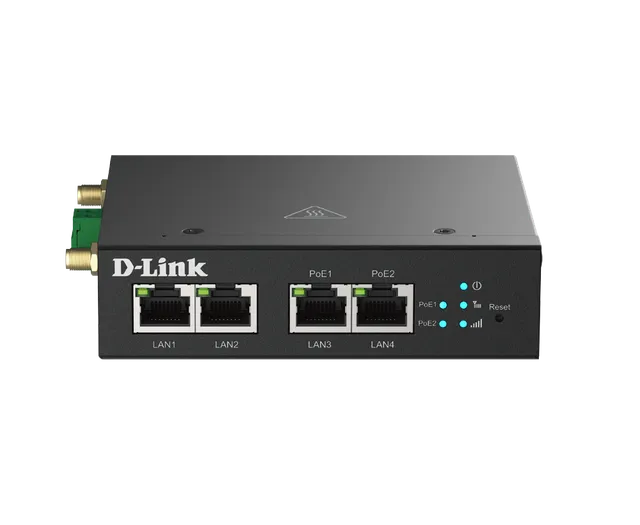
DWM-314-GP

5G M2M PoE Router

  • 5G speeds of up to 3.4 Gbps¹ for ultra-fast Internet access and data transfer
  • 2 x 10/100/1000 Ethernet LAN ports for high-speed connectivity
  • 2 x 10/100/1000 Ethernet PoE LAN ports for PoE-enabled connectivity
  • 2 x SIM slots for plug-and-play connectivity with failover
  • No set up required, simply plug it in and your network is ready to go
  • Durable zinc-plated steel case is corrosion-resistant to ensure device longevity
  • -30 to 70°C operating temperature to resist harsh environments
  • Wall or DIN-rail mounting allow for optimal device placement

Overview

High Speed 5G NR (Dual SIM w/ Failover)

5G speeds of up to 3.4 Gbps¹, perfect for high-bandwidth, time-sensitive and mission-critical M2M applications.

PoE Connectivity (PSE)

Two GbE LAN PoE ports to connect multiple PD devices for high-throughput mission-critical M2M applications.

Dual-SIM Failover

Two SIM slots with auto-failover redundancy to ensure uninterrupted cellular WAN connectivity.

Industrial-Grade Durability

Corrosion-resistant zinc-plated steel casing and robust design ensure reliable operation in harsh environments.

Secure VPN Protection

Protect sensitive data transmission via secure VPN tunnels to prevent unauthorized network access.

Centralized Management

Conveniently manage devices from anywhere via the D-ECS management platform.

Powering Smart City Innovations with 5G

The DWM-314-GP 5G PoE router harnesses the power of 5G to deliver ultra-fast speeds and low latency, ensuring dependable connectivity. Featuring dual SIM slots with failover capabilities, it provides uninterrupted service even if one network is down. Ideal for constructing smart city infrastructures such as smart poles for traffic monitoring, digital signage advertising, and environmental sensing, this plug-and-play PoE router simplifies installation for quick deployment. With its ability to switch seamlessly between 4G and 5G, the DWM-314-GP maintains stable connectivity in varying network conditions, enhancing local engagement by delivering timely information, advertisements, and services efficiently.

Smart Pole

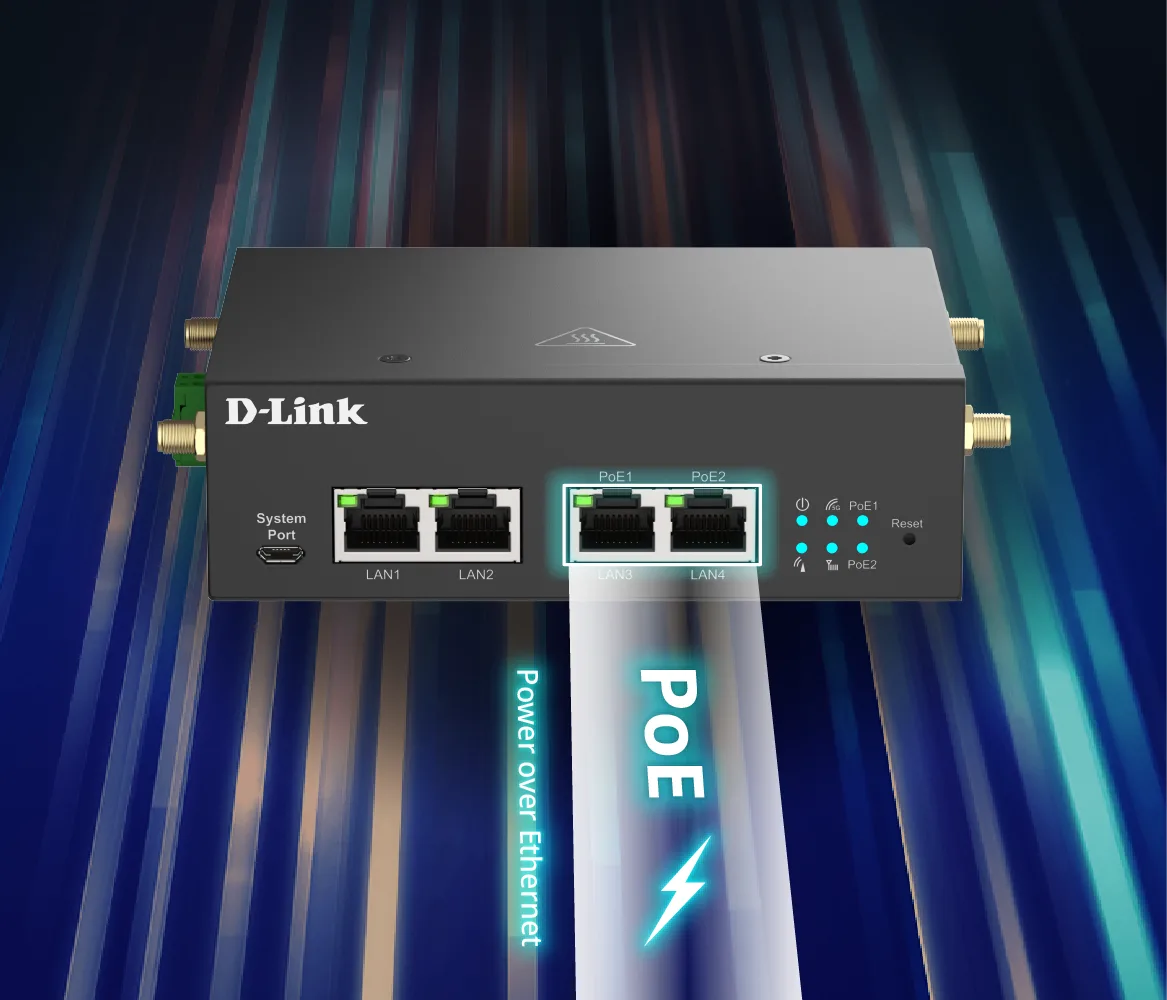
Empower Your M2M Network with PoE+

The DWM PoE Router Series, featuring a built-in 4-port Gigabit switch and 802.3af/at Power over Ethernet (PoE+) technology, delivers both data and power through Ethernet cables. As a true PSE (Power Sourcing Equipment) solution, it streamlines M2M communication for IoT applications, reducing the need for separate electrical infrastructure and lowering installation costs of an extra PoE switch. Ideal for powering surveillance cameras, digital signage, wireless access points, and IoT sensors, it offers flexible device placement without extra wiring. Its PD-Alive feature minimizes downtime, ensuring continuous operation, while PoE scheduling optimizes power use and cuts energy costs.

DWM-314-GP PoE+ M2M network illustration

Robust Build Quality

The industrial-grade casing provides reliable high-speed connectivity in extreme conditions. The corrosion-resistant zinc-plated steel case with a wide operating temperature range and humidity tolerance means that the DWM-314-GP is ready for the most demanding M2M applications in virtually any environment. Convenient wall and DIN-rail mounting options allow the DWM-314-GP to be mounted virtually anywhere to optimize signal quality.

The DWM-314-GP is also engineered to safely accept wide input voltage(VDC 48~57V) fluctuations, providing more flexibility and convenience when selecting a suitable power source, making your M2M installations significantly more reliable and much easier to deploy.

DWM-314-GP robust build quality illustration

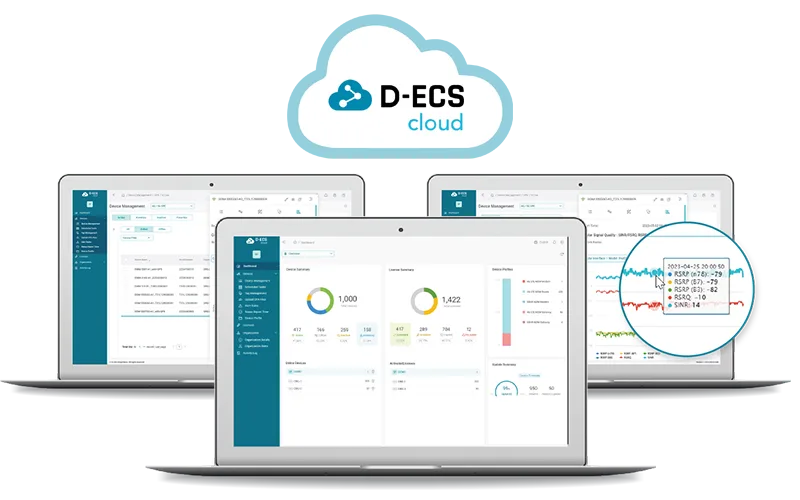
D-ECS Remote Management Platform

Effortlessly centralize and manage your entire 4G/5G M2M network from anywhere. D-ECS delivers secure, AWS-hosted management that brings all your routers and gateways into a single, intuitive dashboard, with no complex technical expertise required.

D-ECS Remote Management Platform

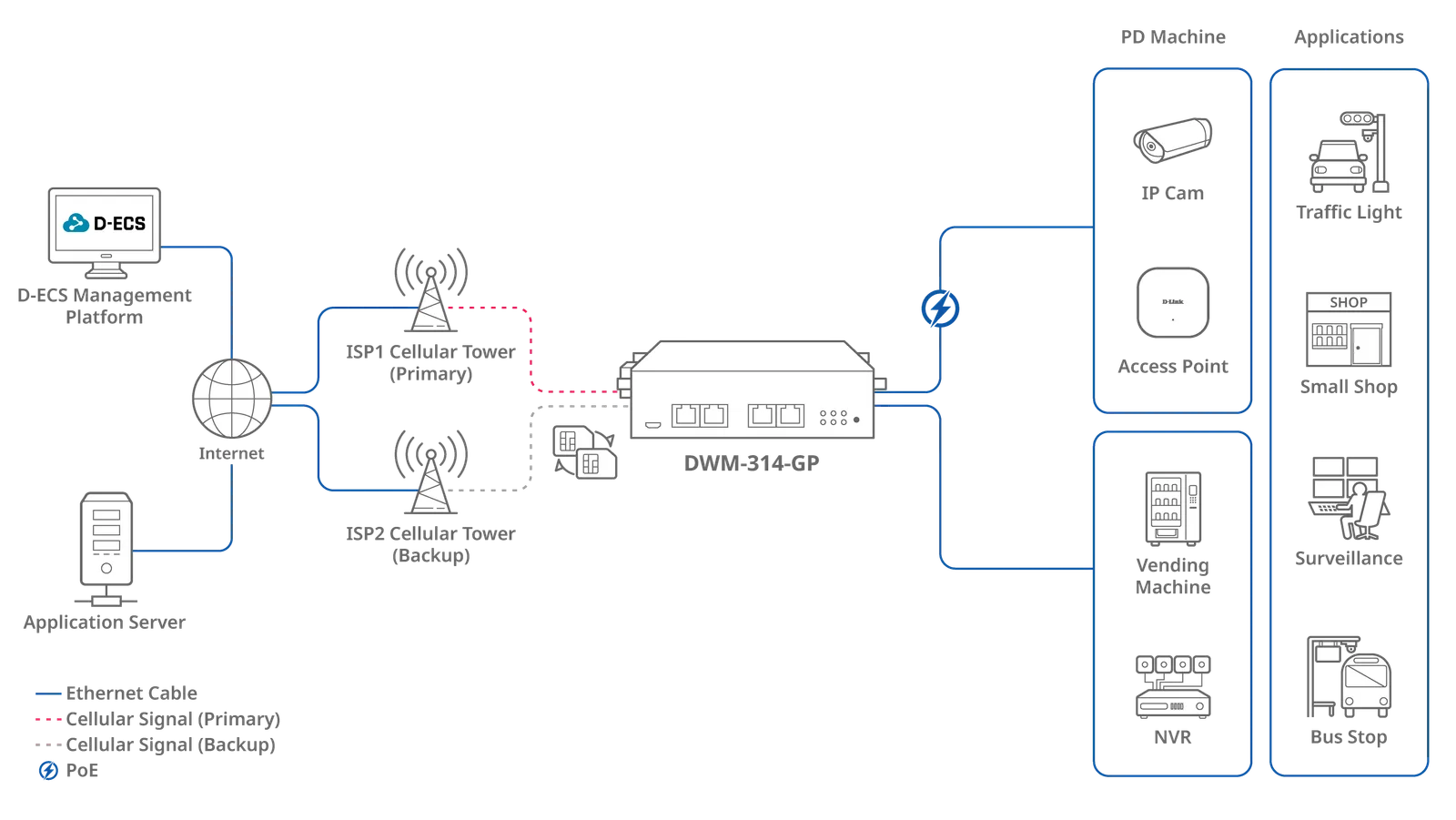
Seamless 5G PoE Power for Reliable Connectivity

The DWM-314-GP 5G PoE Router delivers ultra-fast 5G and Ethernet connectivity with instant, driverless access and no pre-configuration required. Its plug-and-play design and intuitive web interface make it ideal for versatile applications, simplifying network setup and management. Equipped with two Gigabit Ethernet LAN ports for reliable wired connectivity and dual Gigabit Ethernet ports and 802.3af/at PoE functionality, the DWM-314-GP powers and connects multiple Ethernet PD devices simultaneously, reducing the need for additional PoE switches. Its auto-reboot feature ensures device stability by restoring unresponsive devices. Perfect for powering IP cameras, access points, vending machines, and NVRs, this PoE router is the ideal solution for traffic lights, retail stores, surveillance systems, and smart infrastructure like bus stops.

Seamless 5G PoE Power for Reliable Connectivity

DWM-314-GP

Specifications

Technical specifications for DWM-314-GP
Cellular5G NR
SIMDual SIM eSIM (optional)
Ethernet Ports4 x LAN
Ethernet Speed10/100/1000 Mbps Ports
NetworkIPv4/v6 Port Forwarding DHCP Server NAT
ManagementWeb UI SMS D-ECS
PoE802.3at PoE Out
Number of PoE Ports2
Power InputDC 48V-57V
WANCellular

Actual performances may vary due to settings, cabling, temperature, network configuration, interface, device compatibility, environmental and on-site conditions, and other similar factors. References to power capability, signal or processing speed, signal range or distance, data encryption, storage capacity, display properties, or other performance metrics are based on optimal conditions derived from industry standards and provided for informational purposes only. Specifications may be subject to change without prior notice.

Support

Downloads

Datasheets
DescriptionDateTypeFile SizeDownload
DatasheetDatasheetPDF · 0.39mb-PDF0.39mb
Manuals
DescriptionDateTypeFile SizeDownload
User Manual (A1) 1.00User Manual (A1) 1.00PDF · 7.64mb-PDF7.64mb
Quick Start/Installation Guides
DescriptionDateTypeFile SizeDownload
Quick Installation Guide (A1) 1.01Quick Installation Guide (A1) 1.01PDF · 0.60mb-PDF0.60mb
Additional Downloads