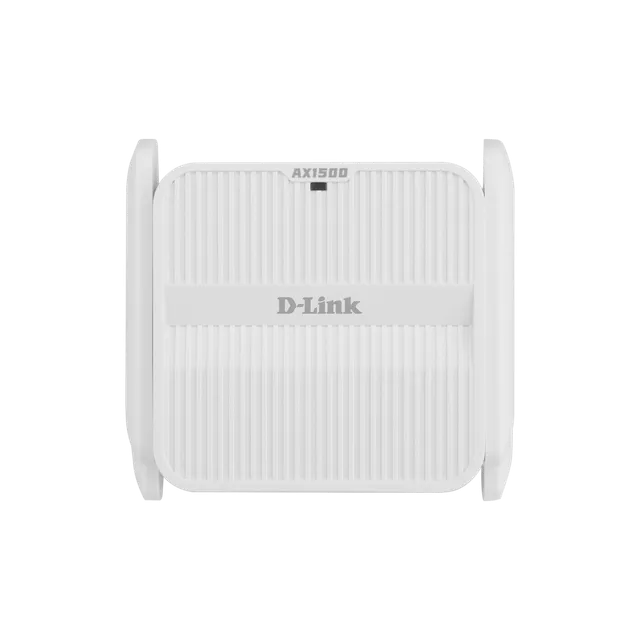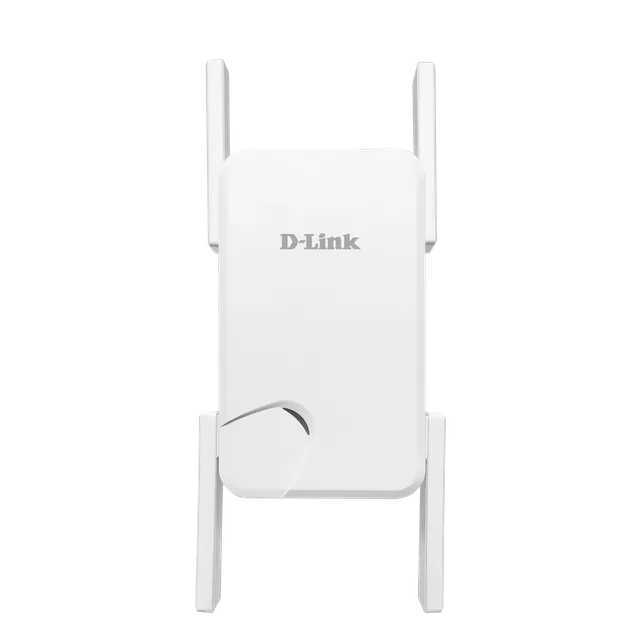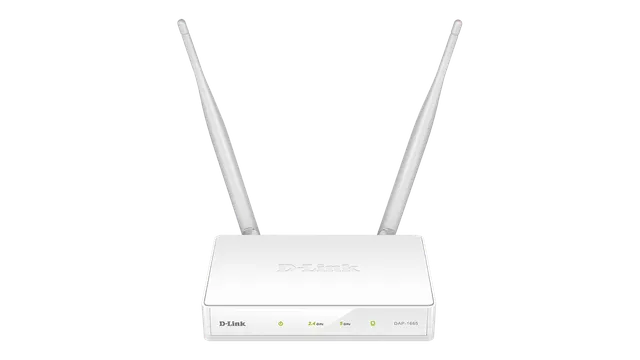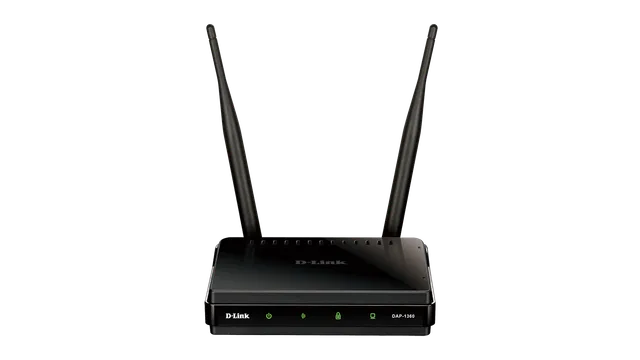
Extend with Wi-Fi or Ethernet
Repeat an existing wireless signal or use Ethernet cabling to extend wireless coverage. The built-in Gigabit port provides an alternative to relying on the strength of a wireless uplink.
DRA-1360
Overview
Repeat an existing wireless signal or use Ethernet cabling to extend wireless coverage. The built-in Gigabit port provides an alternative to relying on the strength of a wireless uplink.
The signal strength indicator helps you find a suitable location. Use the D-Link Wi-Fi app, WPS button or built-in setup wizard to configure the extender.
DRA-1360
| Wireless standard | IEEE 802.11a/b/g/n/ac |
|---|---|
| Wireless signal rates | Up to 400 Mbps at 2.4 GHz; up to 867 Mbps at 5 GHz |
| Ethernet | 1 x 10/100/1000 Mbps Ethernet port |
| Antennas | 2 external antennas |
| Wireless security | WPA/WPA2; WPS push-button configuration |
| Mesh | Compatible with D-Link Wi-Fi Mesh routers |
| Management | D-Link Wi-Fi app; web UI; firmware over-the-air update |
| Dimensions | 105 x 63.5 x 50 mm |
| Power input | 110 to 240 V AC, 50/60 Hz |
| Operating temperature | 0 to 40 °C |
Actual performances may vary due to settings, cabling, temperature, network configuration, interface, device compatibility, environmental and on-site conditions, and other similar factors. References to power capability, signal or processing speed, signal range or distance, data encryption, storage capacity, display properties, or other performance metrics are based on optimal conditions derived from industry standards and provided for informational purposes only. Specifications may be subject to change without prior notice.
Support
These downloads are for Egypt. Outside Egypt, use the D-Link Middle East website.