D-Link

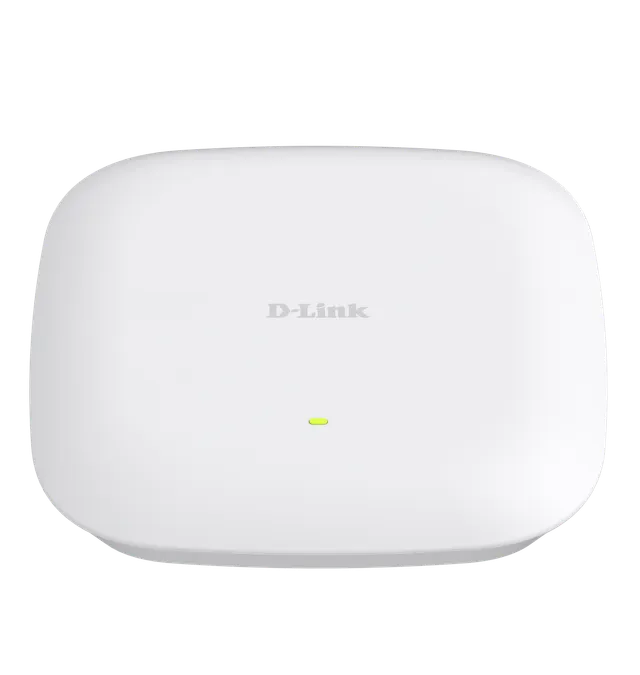
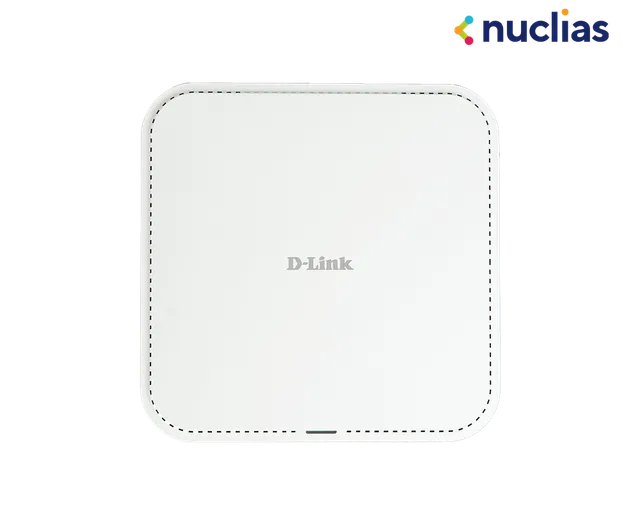
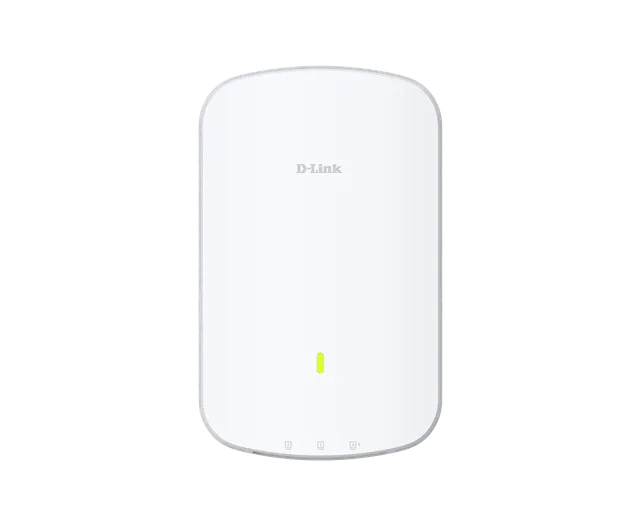
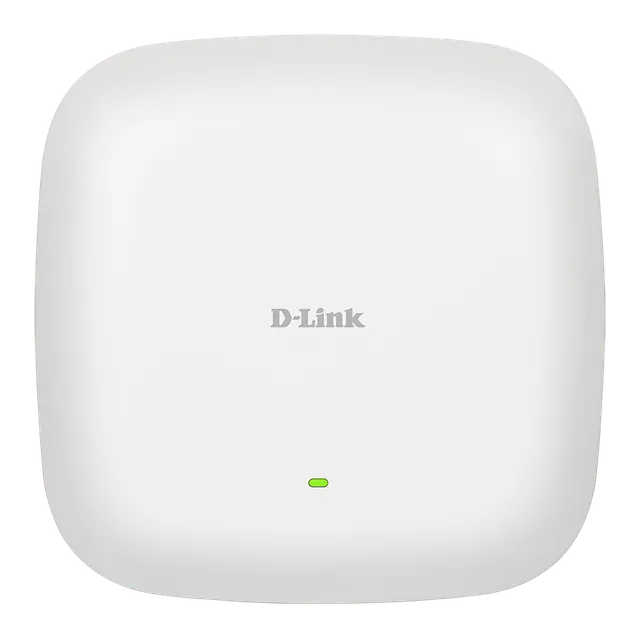
DAP-X3060

AX3000 Wi-Fi 6 Dual-Band Access Point

  • Wi-Fi 6 AX3000, up to 3.0 Gbps
  • 1 x 2.5 Gigabit Ethernet LAN
  • Dual-band 2x2 MIMO band-steering & airtime fairness
  • Flexible use of multiple operating modes
  • Power by 802.3at PoE
  • Customizable Captive Portal

Overview

Maximize your performance with Wi-Fi 6 and easy-to-use management platform

The Wi-Fi 6-enabled DAP-X3060 delivers incredible speeds, significantly increased capacity, and interference-free coverage for business environments of all sizes.

Easily manage your network with Nuclias Connect

Automate, monitor, manage and scale your network in line with business demand without the complexity or cost, through the centrally managed Nuclias Connect platform.

Next-gen Wi-Fi 6
Delivers greater network efficiency and lower latency, with nearly four times the capacity of previous Wi-Fi standards

Intelligent, secure performance
Superior security with WPA3™ wireless encryption, and high throughput with dual-band, 2x2 MU-MIMO technology, band steering & airtime fairness that intelligently manages users.

Flexible installation with PoE
Supports Power over Ethernet (802.3at) for simpler installation with less cable clutter, offers wall-mount or ceiling design options to suit diverse installation needs.

Flexible AP Solutions
Works as a standalone AP or as part of a centralised, scalable multi-device deployment in line with business demand.

Minimise the hassle of admin tasks
Empower admins to work efficiently & effectively with role-based options that enable delegated access across your network. You can deploy, configure, update and expand rapidly.

Branded Captive Portal
A branded Captive Portal with industry-standard authentication for enhanced access management.

User Authentication and Roaming Capability
Centralized management through Nuclias Connect enables seamless connectivity for guests who connect to D-Link EAP within the same organization, eliminating the need for users to re-authenticate after the initial login.
Next‑gen Wi‑Fi 6 performance that turbo boosts your business

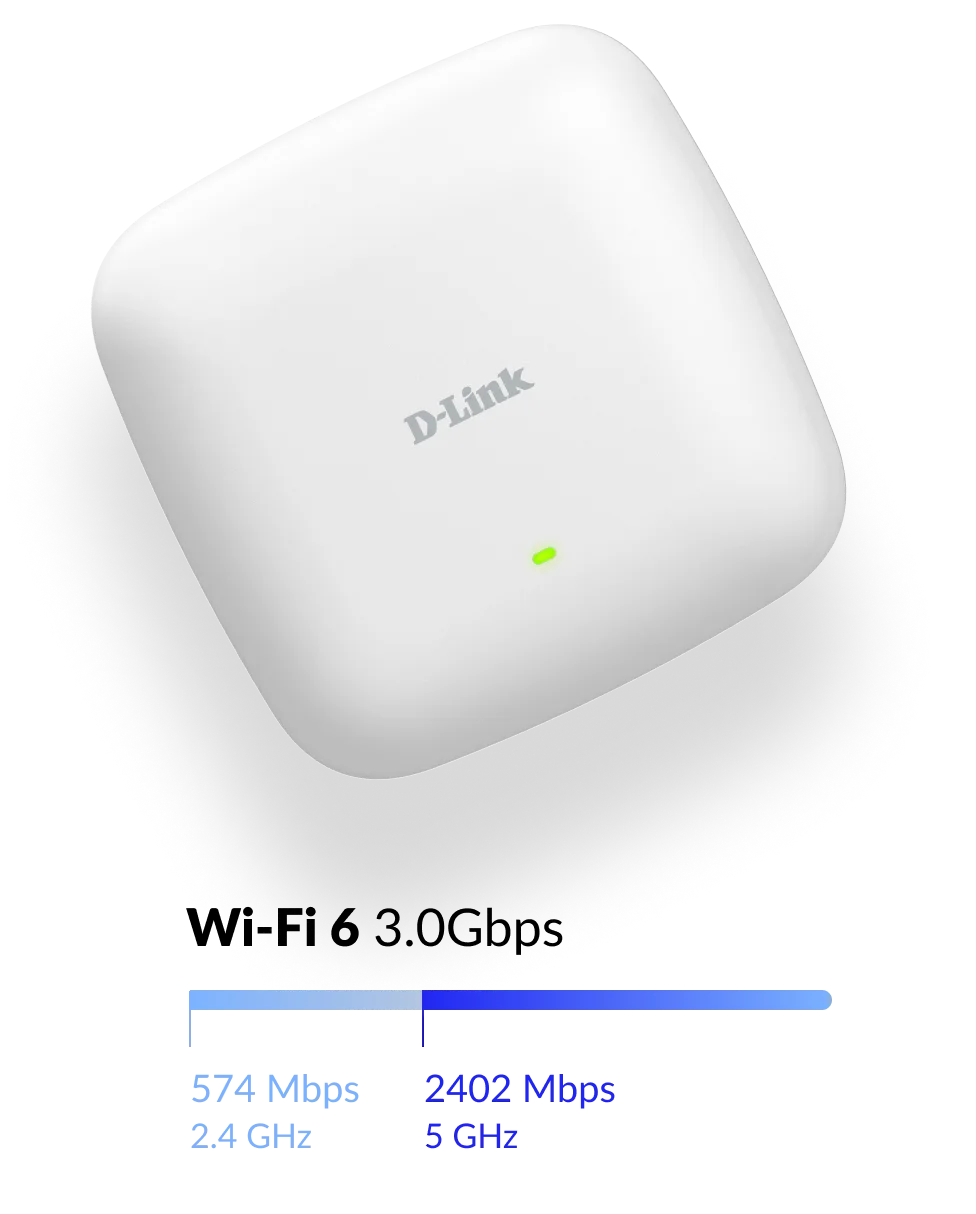
With combined Wi-Fi 6 802.11ax speeds of up to 3,000 Mbps, the DAP-X3060 provides lightning-fast connectivity, enabling large data transfer and superior quality video streaming, even in highly congested environments.

As the next-generation of connectivity, Wi-Fi 6 delivers greater network efficiency and lower latency, with nearly four times the capacity of previous Wi-Fi standards.

DAP-X3060 Next-gen Wi-Fi 6 performance that turbo boosts your business illustration

Optimised Wi‑Fi for a superior client experience.

The DAP-X3060 supports Band steering, 2x2 MU-MIMO and beamforming - all designed to work together to alleviate congestion.

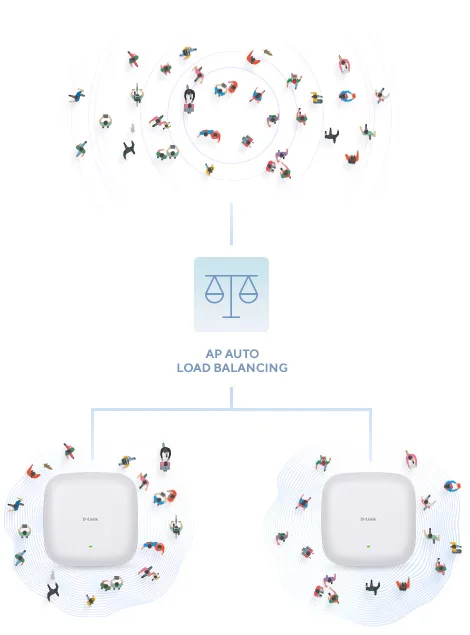
And Load Balancing and Airtime Fairness technology distributes workloads between APs for optimum resource utilisation - allowing every device in your network to seamlessly get the best connectivity possible, without putting a strain on your whole network.

Optimised Wi-Fi for a superior client experience illustration

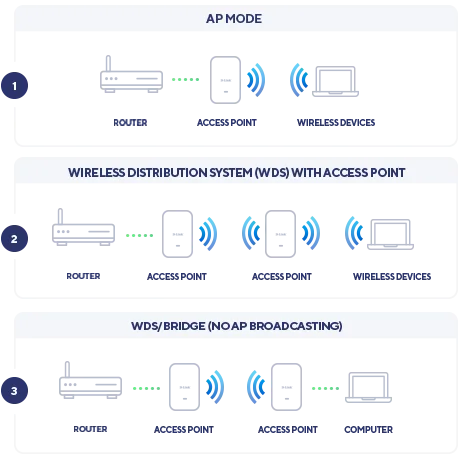
Multiple Operation Modes

The DAP-X3060 can be configured to fit the needs of your network and optimise performance.

(WDS) with access point

Multiple Operation Modes illustration

Simple and clean installation, anywhere.

It can be ceiling-mounted, wall-mounted, or placed on a desk. The DAP-X3060’s PoE function allows for an easy installation. No need to run extra power lines and no more cable clutter. Perfect for advanced installations in areas where power outlets are not readily available.

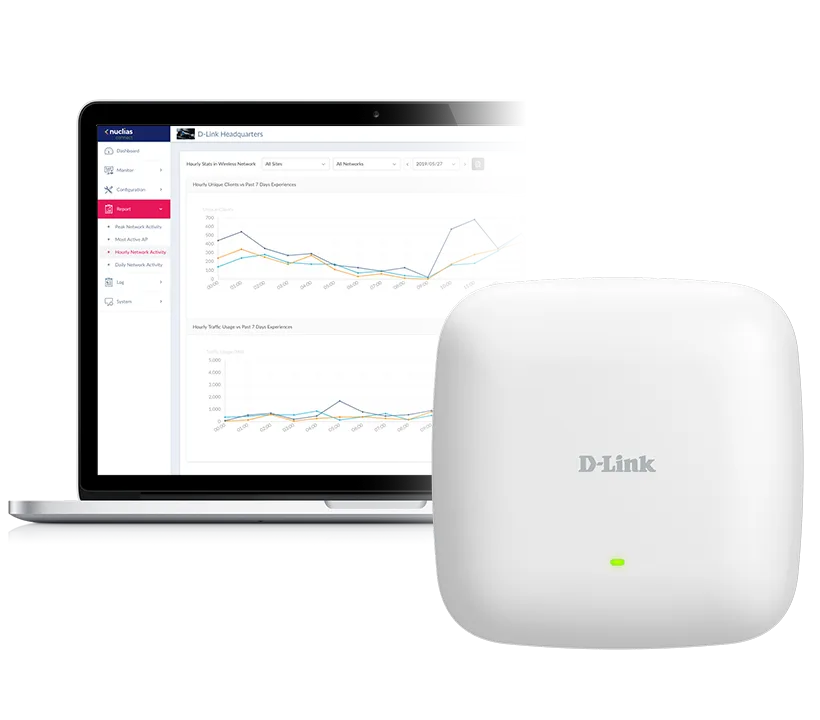
Manage your business network with powerful controls

The DAP-X3060 works with Nuclias Connect software-based management platform, allowing you to manage and control your business network from anywhere with an internet connection. This enables easy access, automation, and network scalability.

With Nuclias Connect's traffic analytics and status reports, insights derived from this data can be used to create business value. Traffic can be viewed across the entire network and down to the level of a single Access Point.

DAP-X3060 Manage your business network with powerful controls illustration

Comprehensive on‑site network management

Compared to traditional hardware-based unified management systems, Nuclias Connect offers tremendous flexibility. Easy setups, remote access, and an intuitive dashboard make life easier for network admins, whilst functionality and network self-healing tools such as airtime fairness, localised throttling and load-balancing improve overall user experience.

Comprehensive on-site network management illustration

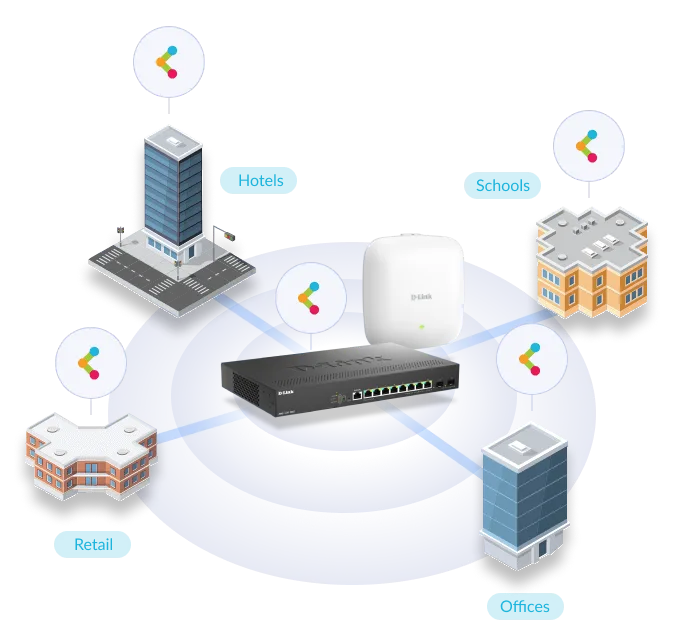
Scale your Wi‑Fi alongside your business, from anywhere

Nuclias Connect is a comprehensive network management platform designed to administer D-Link's access points and switches. This integrated solution, tailored for on-premises deployment, encapsulates a rich spectrum of functionalities aimed at enhancing network oversight and control.

DAP-X3060 Scale your Wi-Fi alongside your business, from anywhere illustration

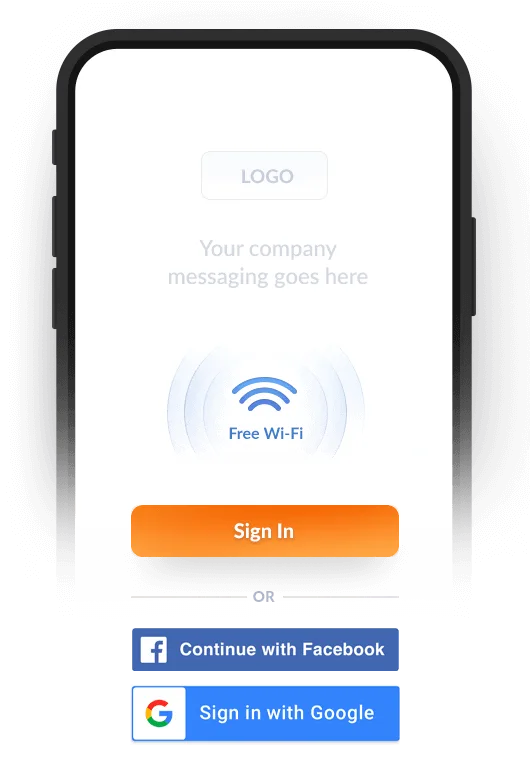
Get your guests online through a captive portal

Not only can your guests connect using just their email address, Facebook or Google account, but our Captive Portal also gives your business the opportunity to increase brand awareness, advertise promotions and collate user insights that enable businesses to better understand their customers.

Get your guests online through a captive portal illustration

Made for your business

SMB & SME

Gain valuable insights into your business, manage multiple sites, ensure critical data doesn't leave your premises, and customise the network to your needs.

Retail Chains

Create a secure and reliable wireless network for retailers of any size. Connect all POS devices and create fast Guest Wi-Fi networks for customers, ensuring business runs smooth.

Universities

Provide a scalable and robust network for students, with full web control and filtering. Keep management centralised and data secured on your premises.

Hotels

Delight guests with in-room high-capacity, fast Wi-Fi. Drive customers to your marketing funnel, and increase re-engagement and customer loyalty.

DAP-X3060

Specifications

Technical specifications for DAP-X3060
Wireless Standard802.11ax Wi-Fi 6
Advanced Features802.11k/r Roaming MU-MIMO
Antenna gain3 dBi for 2.4GHz 3 dBi for 5GHz
Antenna typeEmbedded omni-directional antennas
Indoor/outdoorIndoor
Maximum number of SSIDs16
Power-over-EthernetSupported
Wireless Speed574 Mbps 2.4GHz 2402 Mbps 5GHz
Wired interface1 x 2.5 Gigabit Ethernet LAN
Type of housingPlastic
Wireless modesAccess Point(AP) WDS bridge WDS with AP
802.1X authenticationSupported
AP traffic load balanceSupported
Auto channel selectionSupported
CLISupported
Console PortSupported
DHCP serverSupported
L2 roamingSupported
IGMP SnoopingSupported
IPv6Supported
MAC address filteringSupported
SNMPSupported
SSHSupported
SSID broadcast disableSupported
Station isolationSupported
SyslogSupported
TelnetSupported
TKIP/AES encryptionSupported
WEBSupported
WEP 64/128 bitSupported
Wi-Fi schedulerSupported
WLAN partitionSupported
WMM-PS/802.11e(U-APSD)Supported
WPA/WPA2-Personal/EnterpriseSupported
WPA_WPA2_PSK over WDSSupported
WPA3-Personal/EnterpriseSupported
Frequency band modeDual-band simultaneous
Management platformNuclias Connect

Actual performances may vary due to settings, cabling, temperature, network configuration, interface, device compatibility, environmental and on-site conditions, and other similar factors. References to power capability, signal or processing speed, signal range or distance, data encryption, storage capacity, display properties, or other performance metrics are based on optimal conditions derived from industry standards and provided for informational purposes only. Specifications may be subject to change without prior notice.

Support

Downloads

Datasheets
DescriptionDateTypeFile SizeDownload
DatasheetDatasheetPDF · 0.17mb-PDF0.17mb
DatasheetDatasheetPDF · 0.26mb-PDF0.26mb
Manuals
DescriptionDateTypeFile SizeDownload
Product Manual Manual 1.00 RevA1Product Manual Manual 1.00 RevA111 Dec 2023 · PDF · 5.65mb11 Dec 2023PDF5.65mb
Quick Start/Installation Guides
DescriptionDateTypeFile SizeDownload
Quick Install Guide QIG DAP-X3060 1.02 RevA1Quick Install Guide QIG DAP-X3060 1.02 RevA111 Jul 2024 · PDF · 0.76mb11 Jul 2024PDF0.76mb
Additional Downloads