D-Link

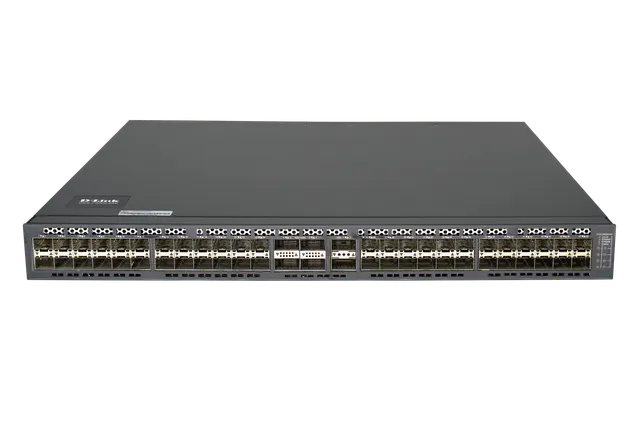
DXS-5000-54S

54-Port 10G/40G Enterprise Aggregation Switch

Overview

Future-proof your network.

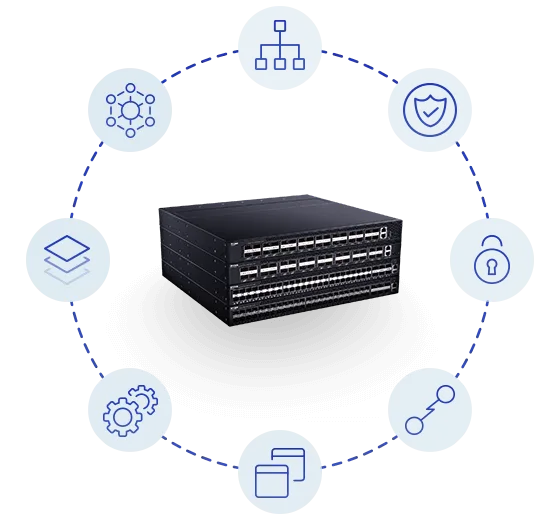
Designed with up to 1.44 Tbps of simultaneous high throughput, high port density, and ultra-low latency to accommodate scale and requirements. Ideal as aggregation switches in enterprise environments, as well as Top-of-Rack, Leaf-Spine, or End-of-Rack core Ethernet switches in data centers.
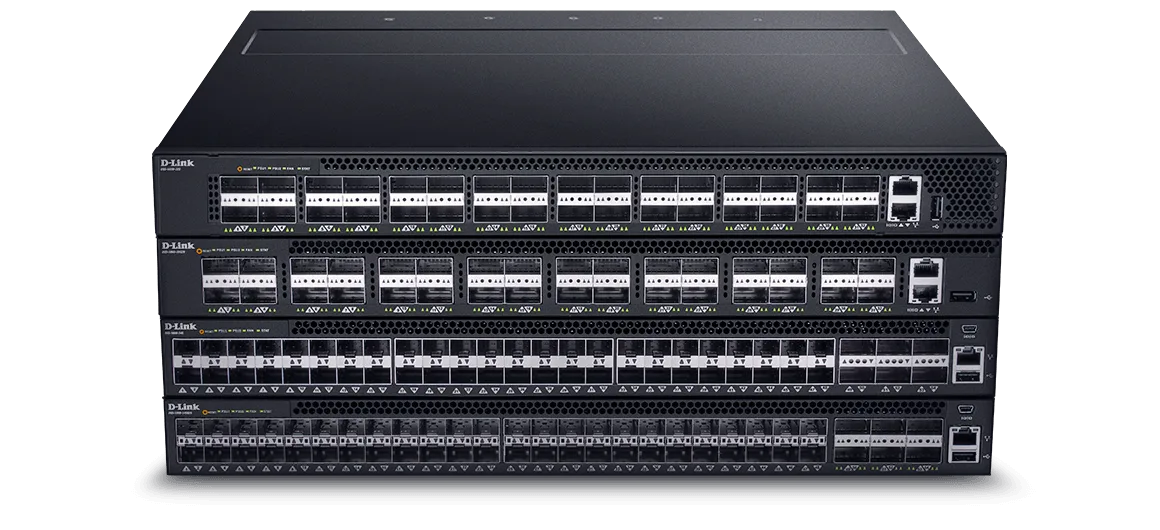
D-Link DXS-5000-54S Future-proof your network

High Availability and Reliability

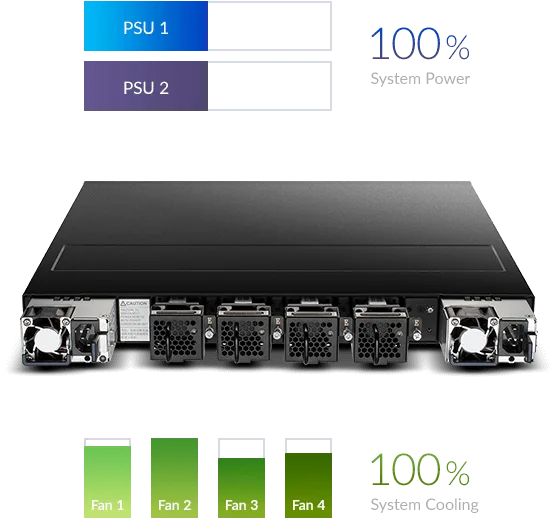
Both the fans and PSUs are hot-swappable to increase uptime, and front-to-back airflow allows the creation of optimal cooling configurations.

MLAG enables efficient network topologies that also increase uptime with dual-management, control planes, and upgrades that don’t affect services.

Load Sharing
Enables both PSUs to evenly distribute the load to increase reliability and lifetime.

1+1 redundancy
Maintains uptime even if a power supply fails.

D-Link DXS-5000-54S High Availability and Reliability

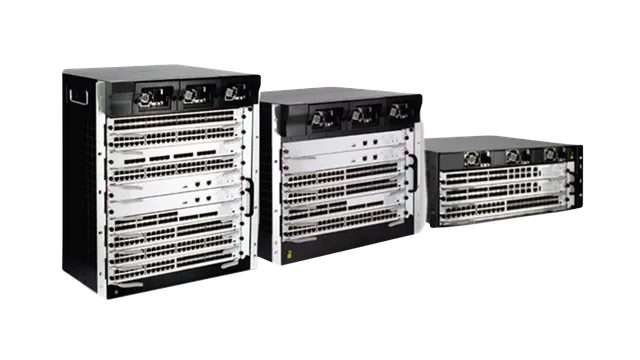
Comprehensive Layer 2 & Layer 3 Capabilities

L2 features include L2 switching, L2 multicast, advanced Quality of Service (QoS), and robust security features.

Advanced L3 routing for enterprise integration, including OSPF, BGP, Graceful Restart, Bidirectional Forwarding Detection (BFD), and L3 multicast.

The switches also support MLAG, MLD Snooping, IP interface, DVMRP v3, PIM-DM, and include data center features like 802.1Qaz, 802.1Qau, and 802.1Qbb.

D-Link DXS-5000-54S Comprehensive Layer 2 & Layer 3 Capabilities

Virtualisation and Data Center Features

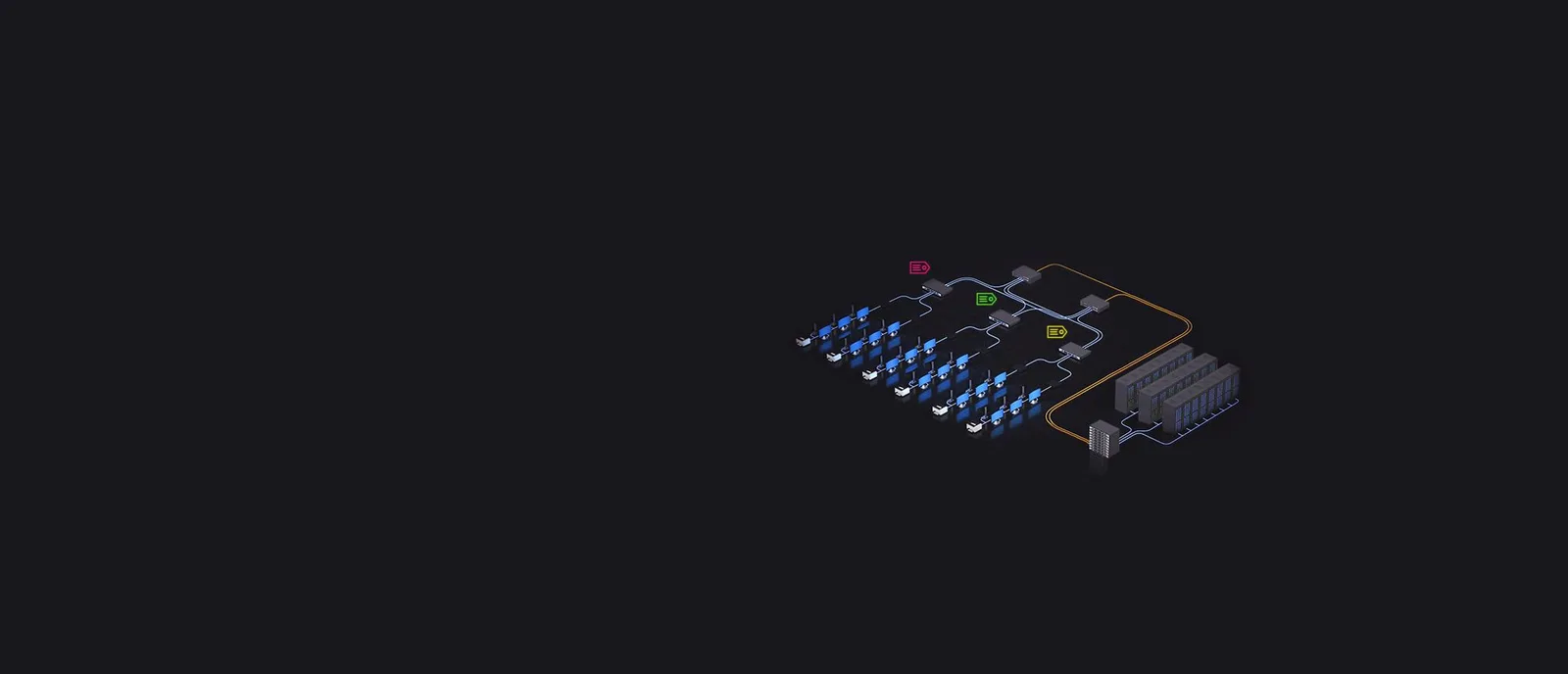
VXLAN allows deployments of larger and more flexible VLAN architectures by using a 24-bit ID, which enables deployments of up to 16 million isolated logical networks across Layer 3 subnets to accommodate the increasing scale of virtualized cloud environments.

24-bit ID
VXLAN
Uses this network identifier to address L2 segments.

16 million
VLAN
VXLAN greatly increases the number of simultaneous VLANs.

D-Link DXS-5000-54S Virtualisation and Data Center Features

Bare Metal and Open Networking Switches

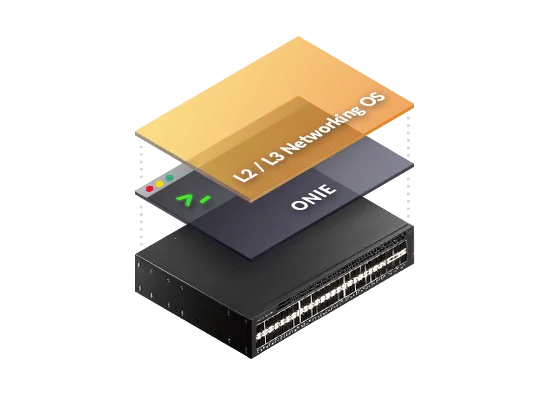
The DXS-5000 supports Open Networking, which provides innovative third-party operating systems and software options. This lowers costs by separating software from hardware and increases network agility and flexibility.

ONIE gives you the option to install a preferred Network OS, such as the Pluribus Netvisor OS, or activate the pre-loaded D-Link OS.

With support for standards-based tools and standards-based applications, Open Networking simplifies scalability and future-proofs the network.

D-Link DXS-5000-54S Bare Metal and Open Networking Switches

DXS-5000-54S

Specifications

Technical specifications for DXS-5000-54S
Number of ports48 to 54 ports
LayerLayer 3
Main type of ports10GbE SFP+
Type of Uplink Ports40GbE QSFP+
Switching capacity1.44 Tbps
Form factorRackmountable
Jumbo frameSupported
MAC address288K
Link aggregation802.3ad
VLAN group (max static)4K
VLAN typePort-based
IP interfaces128
IPv6 tunnelingSupported
MulticastingSupported
PIM-SMSupported
OSPFSupported
BGPSupported
OSPFv3Supported
Number of QoS queues per port8
CoS based on contentsSupported
Bandwidth control1% of port speed minimum granularity
Time-based ACLSupported
Encryption protocol supportedSSH
BPDU attack protectionSupported
802.1X access controlSupported
RADIUS/TACACS+ authenticationSupported
SNMP (v1/v2c/v3)Supported
RMON v1Supported
sFlowSupported
LLDPSupported
LLDP-MEDSupported

Actual performances may vary due to settings, cabling, temperature, network configuration, interface, device compatibility, environmental and on-site conditions, and other similar factors. References to power capability, signal or processing speed, signal range or distance, data encryption, storage capacity, display properties, or other performance metrics are based on optimal conditions derived from industry standards and provided for informational purposes only. Specifications may be subject to change without prior notice.

Support

Downloads

Datasheets
DescriptionDateTypeFile SizeDownload
DatasheetDatasheetPDF · 1.31mb-PDF1.31mb
Manuals
DescriptionDateTypeFile SizeDownload
Hardware Installation Guide 1.10Hardware Installation Guide 1.10PDF · 1.91mb-PDF1.91mb
Hardware Installation Guide 1.00Hardware Installation Guide 1.00PDF · 2.30mb-PDF2.30mb
Additional Downloads