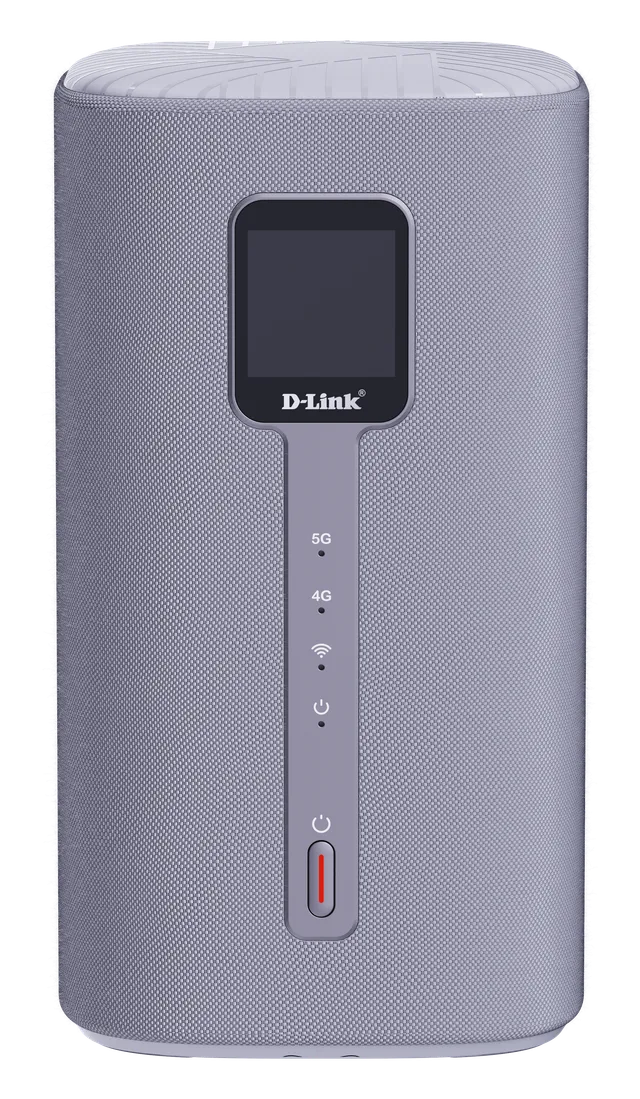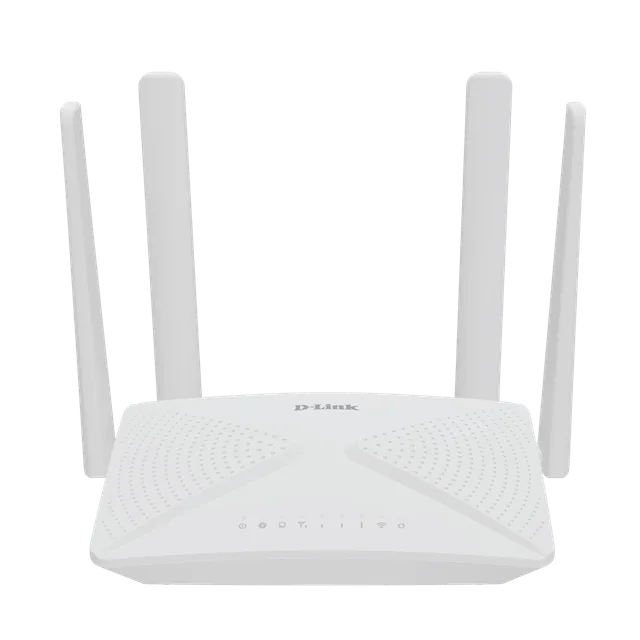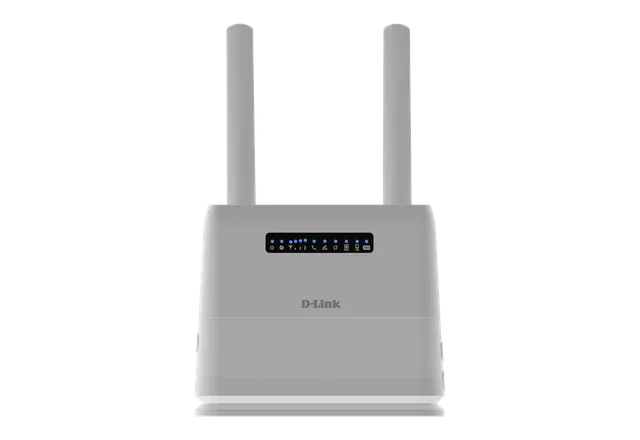
Experience Next-Generation 5G Connectivity
5G features unparalleled broadband speeds, low latency, increased bandwidth, and wide connectivity compared to a 4G network, and brings new capabilities to indoor spaces.

G530
Overview
5G features unparalleled broadband speeds, low latency, increased bandwidth, and wide connectivity compared to a 4G network, and brings new capabilities to indoor spaces.
Dive into ultra-fast connectivity with 5G NSA mode, offering speeds up to 3.4 Gbps¹. The G530 5G NR AX3000 Wi-Fi 6 router ensures you enjoy low-latency, high-speed Internet on both 2.4 GHz and 5 GHz bands, perfect for reliable home entertainment and efficient work.
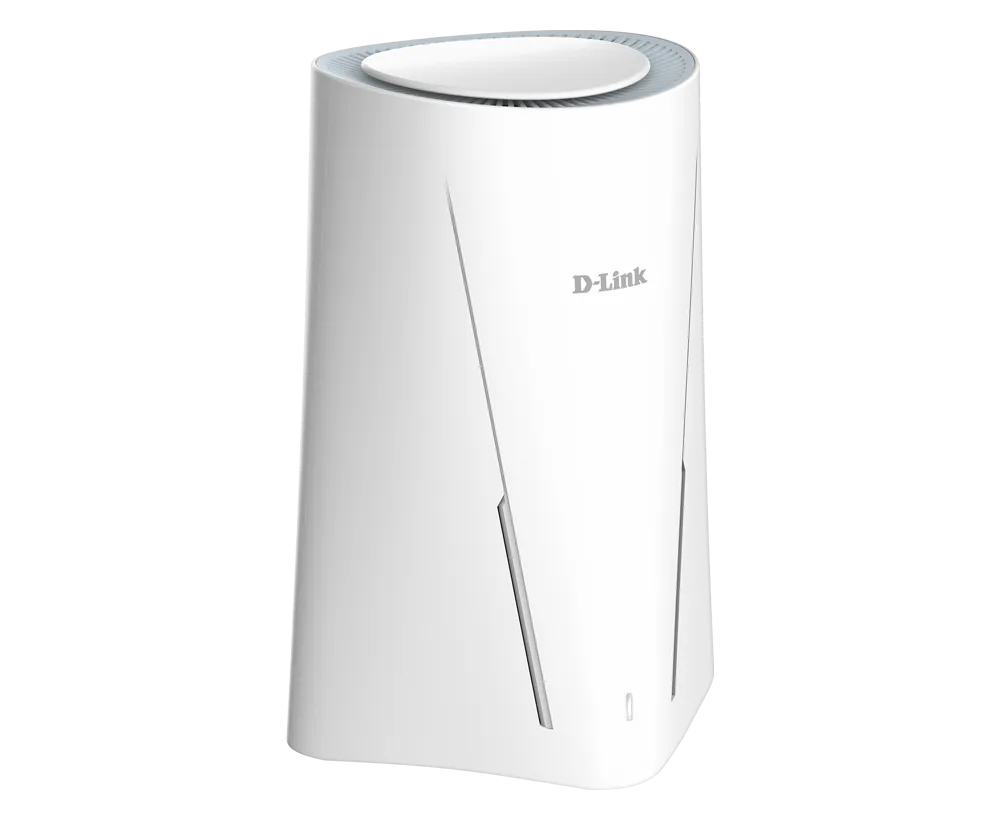
In areas lacking robust network infrastructure, 5G offers a reliable Internet solution where traditional broadband can't reach. The G530 5G NR AX3000 Wi-Fi 6 router brings high-speed internet to the places with limited or no fixed-line access, such as rural locations and temporary setups. Simply by inserting a SIM card, you tap into powerful 5G networks.
Engineered for peak performance, the G530 ensures robust 5G connections across multiple devices simultaneously. Enjoy stable, high-speed Internet for 4K/8K streaming, gaming, and work without the hassle of buffering, dropouts, or interference.
Temporary Sites
Cost-effective short-term 5G broadband solution for temporary Wi-Fi
Pop-up Shops
Enable smart retail and share Wi-Fi to the customers
Remote Sites
Faster connectivity and unlocking new possibilities for remote learning
Vacation Rentals
Superior indoor connectivity on the go

Elevate your wireless connectivity with Wi-Fi 6, offering substantial improvements in coverage, speed, and overall capacity for numerous devices. The G530 leverages Wi-Fi 6 to maximize efficiency, ensuring seamless operation of all your devices. Enjoy smoother streaming, quicker downloads, and uninterrupted online gaming with optimal performance.
The G530 5G NR Wi-Fi 6 router allows you to access and share your fast mobile broadband with multiple devices simultaneously, so everyone can enjoy efficient Wi-Fi performance and less interference for web browsing, downloading large files or 4K/8K streaming.

Elevate the safety of your home or office with the G530, incorporating the latest WPA3 security standard and the prestigious ETSI EN 303 645 cybersecurity certification. These enhance the cybersecurity of consumer IoT devices, encrypting data and fortifying your network against external threats for peace of mind.
Parental Controls
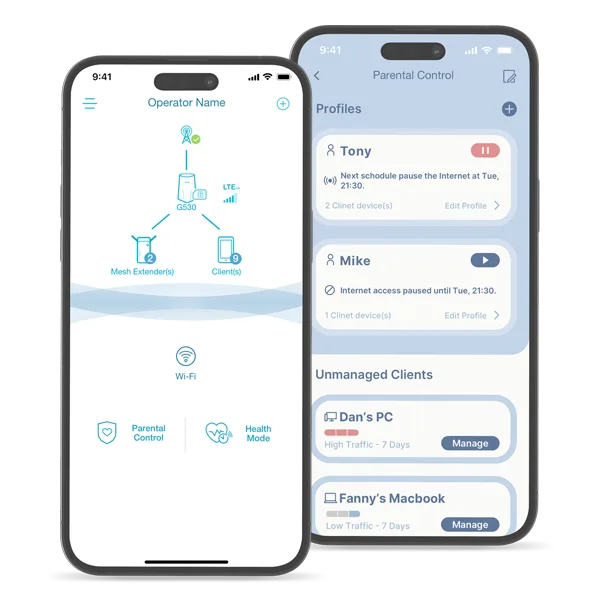
Set up profiles, limit website access, and schedule Internet availability, ensuring your children navigate the web safely and according to your guidelines.
Guest Wi-Fi
Extend Internet access to guests while keeping your personal network secure and private.

Equipped with one Gigabit Ethernet WAN port and LAN port, G530 can act as a Wi-Fi router for your primary high-intensive wired devices such as PC, smart TV or game console to experience blazing-fast wired connections.
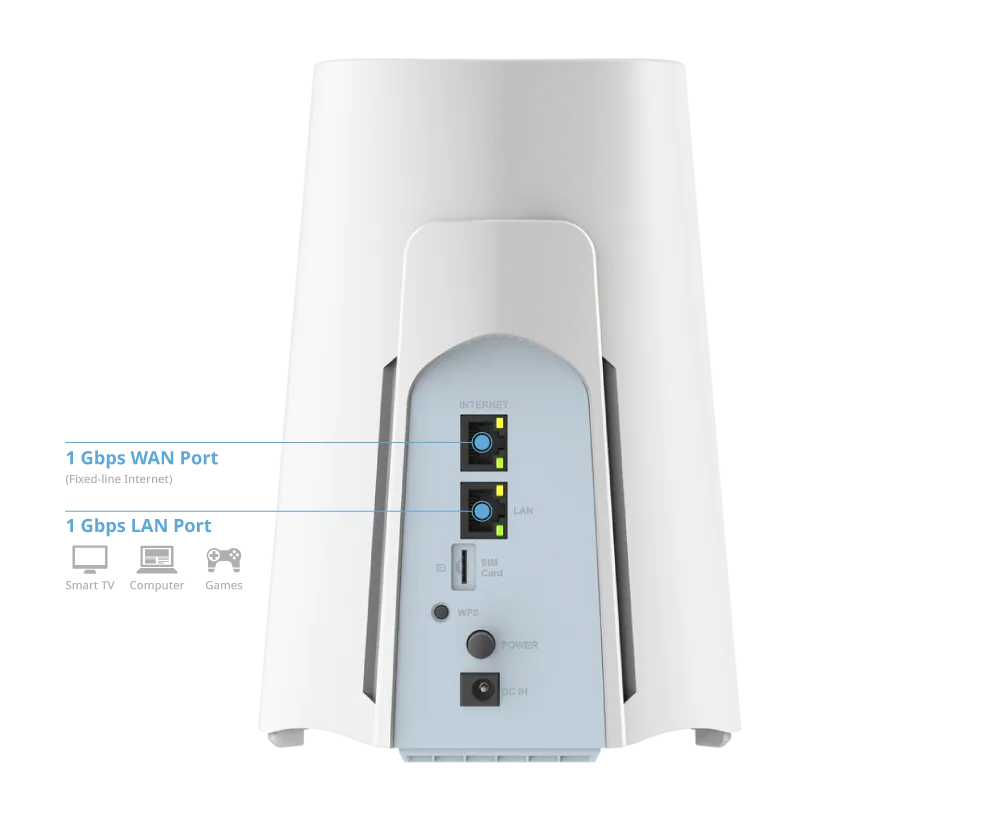
The G530 ensures smooth online activities, from online video meetings to gaming or e-learning, with a reliable interruption-free connection. The G530 is equipped with dual-WAN auto-failover technology, automatically switching your internet connection from a 5G NR to a fixed broadband backup network. This keeps you online for work, play, and streaming, without the worry of lost connectivity.
The G530 features a fanless design for silent operation, ensuring your work or study sessions are uninterrupted. Its enhanced durability and slim profile make it perfect for small spaces. Moreover, its low power consumption boosts energy efficiency, offering a smarter, eco-friendly connectivity solution.
Setting up devices becomes a breeze with the Falcon app, allowing you to easily manage your home network from anywhere. Enhance online safety for your children with Parental Controls and ensure a restful night by scheduling Wi-Fi to automatically turn off at bedtime through the Health Mode feature.
G530
| Antenna | 4 internal Wi-Fi antennas 4 x LTE/5G NR internal antennas |
|---|---|
| Interfaces | 1 x Gigabit Ethernet WAN port 1 x Gigabit Ethernet LAN port |
| Wireless Speed | 5 GHz up to 2402 Mbps 2.4 GHz up to 574 Mbps |
| IEEE Standard | IEEE 802.11ax/ac/n/g/b/a IEEE 802.3u/ab |
Actual performances may vary due to settings, cabling, temperature, network configuration, interface, device compatibility, environmental and on-site conditions, and other similar factors. References to power capability, signal or processing speed, signal range or distance, data encryption, storage capacity, display properties, or other performance metrics are based on optimal conditions derived from industry standards and provided for informational purposes only. Specifications may be subject to change without prior notice.
Support