D-Link

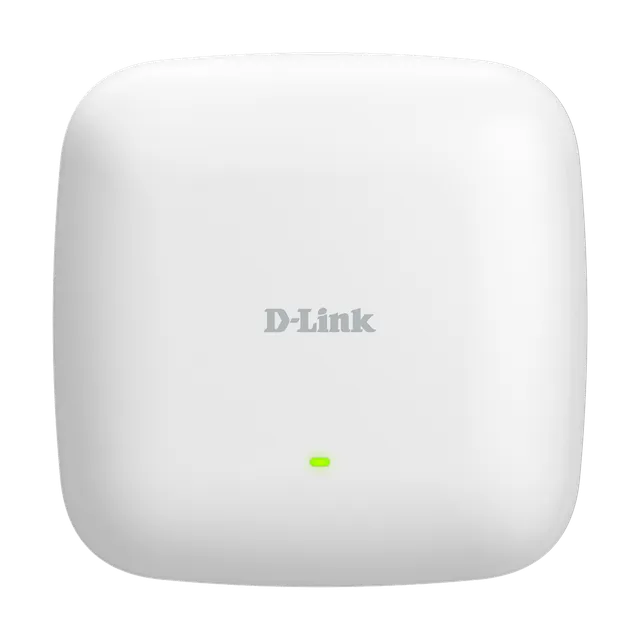
DAP-2682

AC2300 Dual-Band Access Point

  • 802.11ac Wave 2 wireless, up to 2.3 Gbps¹
  • MU-MIMO with beamforming
  • Band steering
  • x2 Gigabit PoE-capable LAN ports
  • Free D-Link Nuclias Connect software

Overview

Fast, business-class Wave 2 Wi-Fi.

Designed for medium businesses or enterprise environments, the DAP-2682 provides network administrators with fast, secure and manageable dual-band 802.11ac wireless, coupled with easy and free Nuclias Connect network management.

DAP-2682 Fast, business-class Wave 2 Wi-Fi illustration

Strong security, with centralised network management

Use as a standalone AP or manage centrally via free Nuclias Connect software.

Wave 2 Wi-Fi with Band Steering

Fast wireless speeds of up to 2300 Mbps¹. Automatically steers traffic to the fastest, least congested band.

MU-MIMO & Beamforming

Allows multiple devices to connect simultaneously for improved efficiency. And creates highly-targeted Wi-Fi connections for superior Wi-Fi bandwidth.

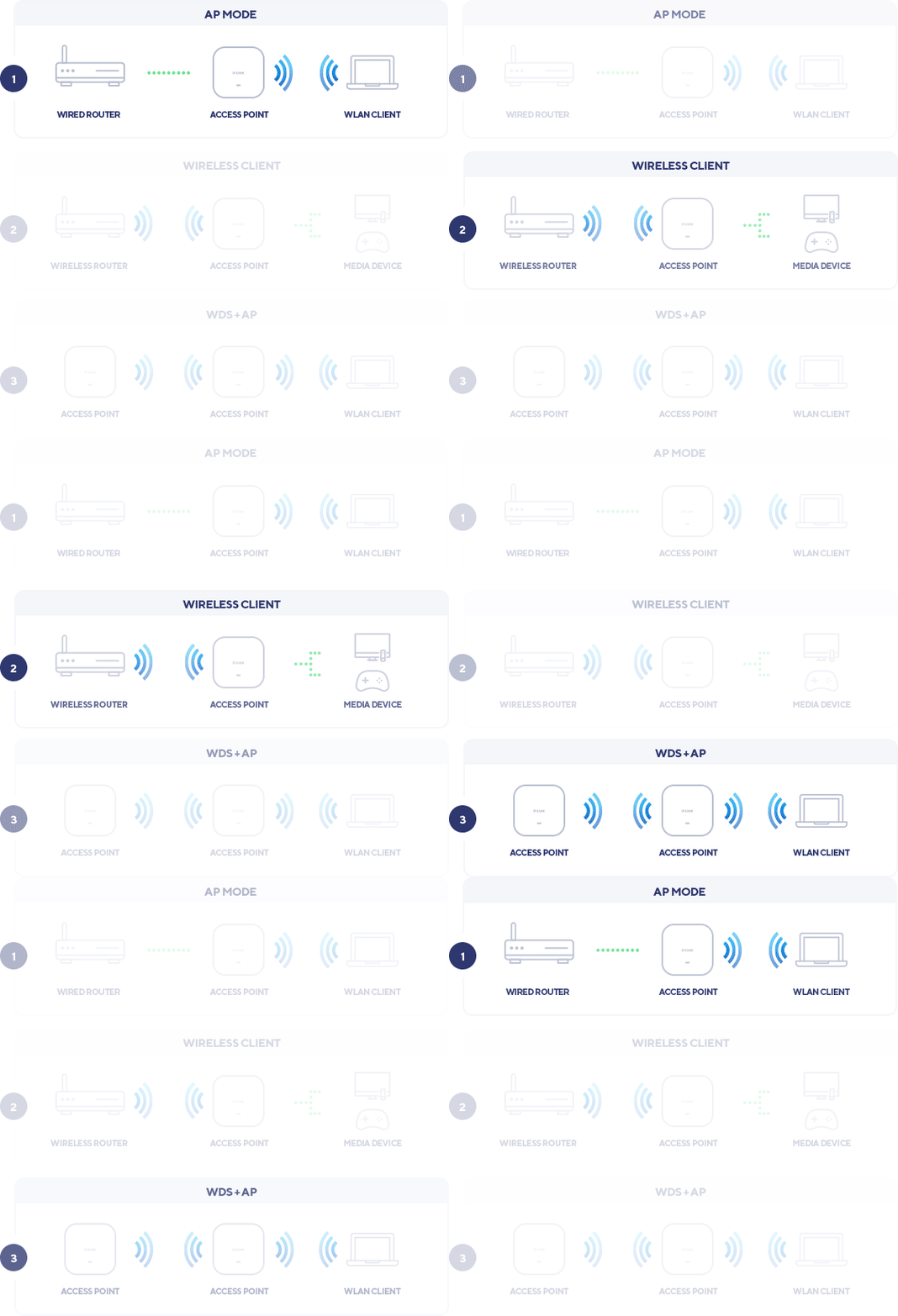
Multiple Operational Modes

Use as an access point (AP), wireless client, Wireless Distribution System (WDS) or Wireless Distribution System with AP (WDS+AP).

Convenient management

Intuitive interface with instant alerts and live usage reports with integrated Google maps to show the locations of all devices in the network.

Free dedicated app

Free Nuclias Connect tablet app to instantly detect devices on the network and easy remote management from anywhere.

Easy-mount setup with PoE

Supports Power over Ethernet (802.3af) for a simpler installation with a single cable.
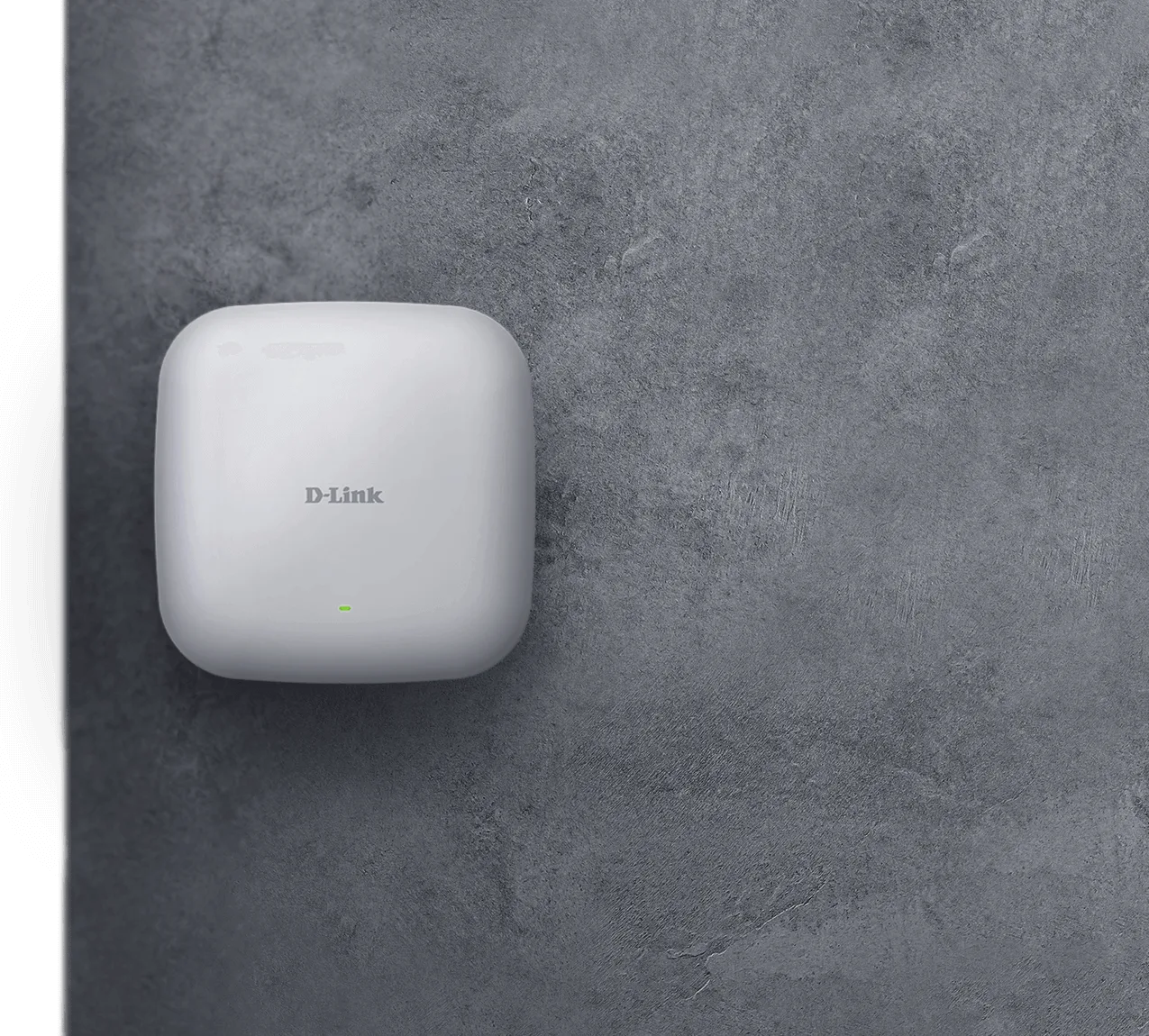
Simple installation.

It can be ceiling mounted, wall-mounted, or placed on a desk. PoE support allows for easy deployments without needing to run extra power lines.

DAP-2682 Simple installation illustration

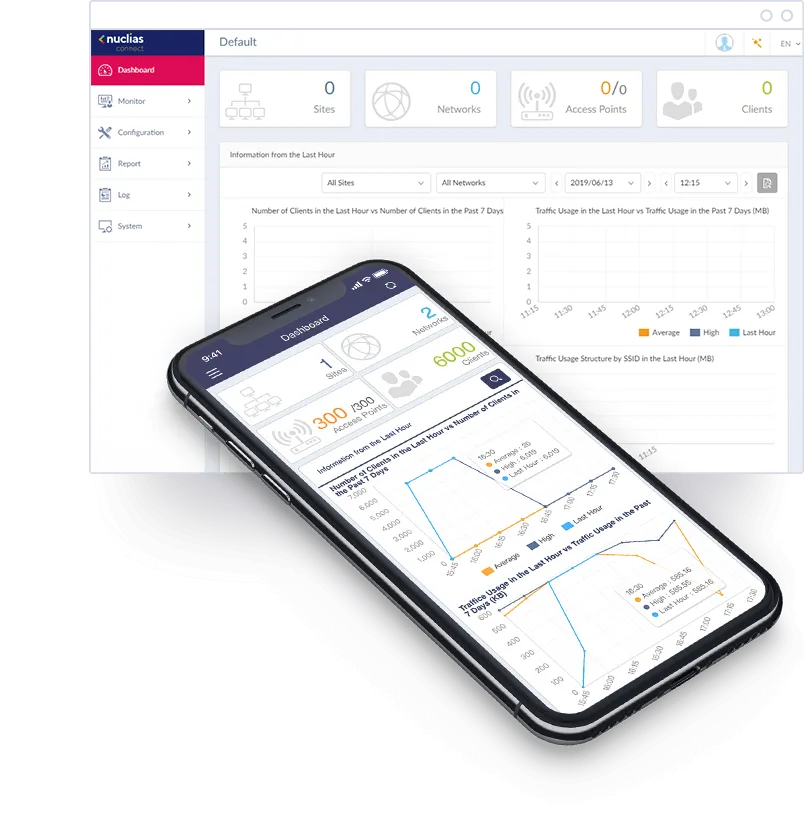
Free network management software.

Network administrators have multiple management options, including web GUI, Nuclias Connect software, Nuclias Connect mobile app, as well as traditional SSL/SSH and Telnet. D-Link’s free Nuclias Connect software or Nuclias Connect Hub (DNH-100) is easy to use and provides centralised management.

Download button for the Google Play Store.Download button for the Apple App Store.
DAP-2682 Free network management software illustration

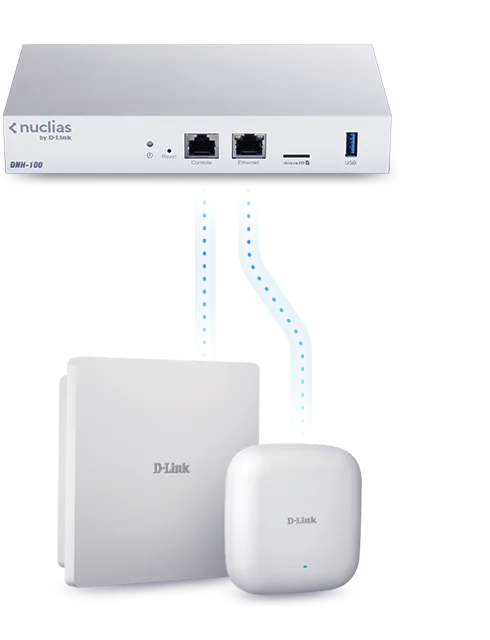
Nuclias hardware controller

The DNH-100 Wireless Controller provides an inexpensive, ready-made solution, and removes the need for installing and maintaining Nuclias Connect on additional hardware such as a server or PC. It supports up to 100 APs, automatically detects devices, pushes configurations, and provides robust hardware management. Simply plug in and power on.

Nuclias hardware controller illustration

Your network, your way.

Customise the network the way you need it to perform. The AP can be used as a standalone AP or part of a centralised, scalable, multi-device deployment.

DAP-2682 Your network, your way illustration

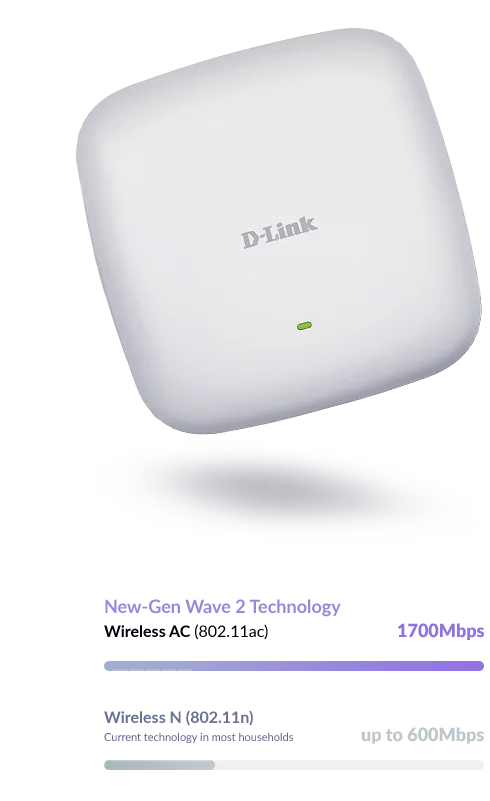
Reliably faster Wireless AC performance.

It delivers reliable wireless speed with maximum wireless signal rates of up to 600 Mbps in the 2.4 GHz band and 1700 Mbps in the 5 GHz band, and also optimises your network’s performance with Quality of Service (QoS), MU-MIMO, Band Steering and Beamforming.

DAP-2682 Reliably faster Wireless AC performance illustration

Scale your Wi-Fi alongside your business.

The free Nuclias Connect management software controller allows you to scale up the network by up to 1,000 access points², providing a cost-effective network that can be tailored to the demands of the business.

DAP-2682 Scale your Wi-Fi alongside your business illustration

DAP-2682

Specifications

Technical specifications for DAP-2682
Management platformNuclias Connect
Frequency band modeDual-band simultaneous
Wireless speed1700 Mbps 5 GHz 600 Mbps 2.4 GHz
Antenna typeEmbedded omni-directional antennas
Antenna gain3.7 dBi for 2.4 GHz 4.8 dBi for 5 GHz
Power-over-EthernetYes
Wired interface2 x Gigabit Ethernet LAN
Type of housingPlastic
Wireless modesAccess Point (AP) WDS bridge WDS with AP Wireless client
Advanced featuresMU-MIMO SmartBeam
Maximum number of SSIDs16
Auto channel selectionSupported
WMM-PS/802.11e (U-APSD)Supported
Wi-Fi schedulerSupported
AP traffic load balanceSupported
WEP 64/128 bitSupported
WPA/WPA2-Personal/EnterpriseSupported
WPA3-Personal/EnterpriseSupported
WLAN partitionSupported
SSID broadcast disableSupported
Station isolationSupported
MAC address filteringSupported
802.1X authenticationSupported
WEBSupported
TelnetSupported
SSHSupported
TKIP/AES encryptionSupported
WPA_WPA2_PSK over WDSSupported
Rogue AP detectionSupported
NTPSupported
DHCP serverSupported
IGMP snoopingSupported
ARP spoofingSupported
IPv6Supported
CLISupported
SyslogSupported
SNMP (v1, v2c, v3)Supported

Actual performances may vary due to settings, cabling, temperature, network configuration, interface, device compatibility, environmental and on-site conditions, and other similar factors. References to power capability, signal or processing speed, signal range or distance, data encryption, storage capacity, display properties, or other performance metrics are based on optimal conditions derived from industry standards and provided for informational purposes only. Specifications may be subject to change without prior notice.

Support

Downloads

Datasheets
DescriptionDateTypeFile SizeDownload
DatasheetDatasheetPDF · 2.14mb-PDF2.14mb
Manuals
DescriptionDateTypeFile SizeDownload
Product Manual Manual 1.01 RevA1Product Manual Manual 1.01 RevA12 Sep 2022 · PDF · 4.89mb2 Sep 2022PDF4.89mb
Product Manual Manual 1.00 RevA1Product Manual Manual 1.00 RevA14 Nov 2020 · PDF · 5.07mb4 Nov 2020PDF5.07mb
Quick Start/Installation Guides
DescriptionDateTypeFile SizeDownload
Quick Setup Guide QSG DAP-2682 1.01 RevA1Quick Setup Guide QSG DAP-2682 1.01 RevA111 May 2021 · PDF · 0.64mb11 May 2021PDF0.64mb
Quick Install Guide QIG DAP-2682 1.00 RevA1Quick Install Guide QIG DAP-2682 1.00 RevA120 May 2020 · PDF · 0.53mb20 May 2020PDF0.53mb
Additional Downloads