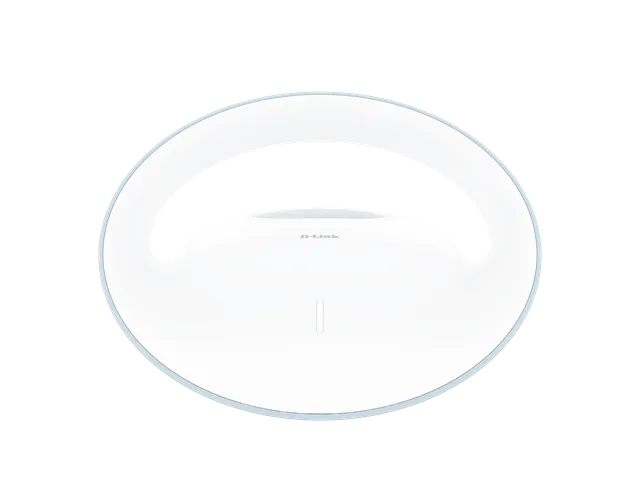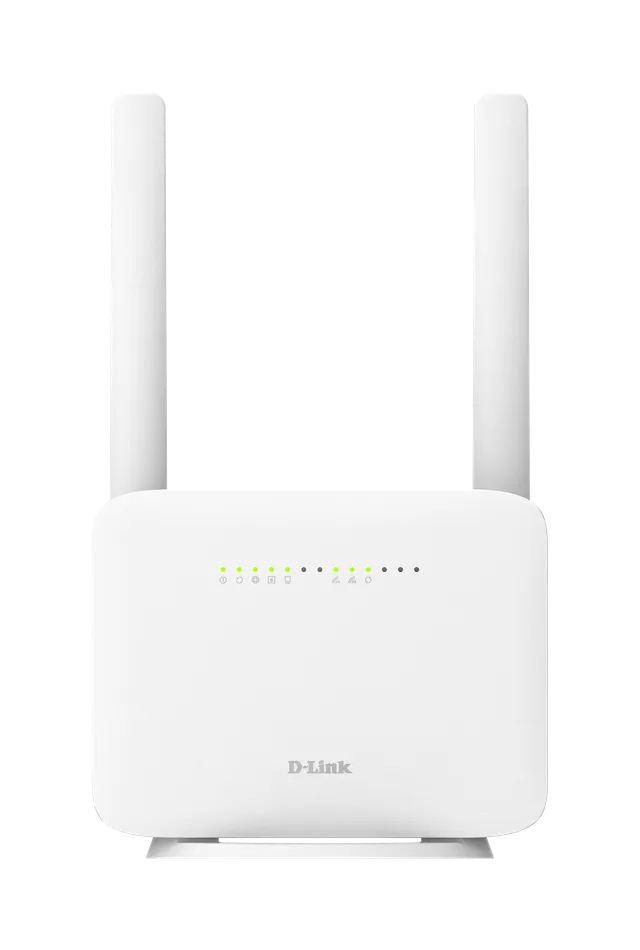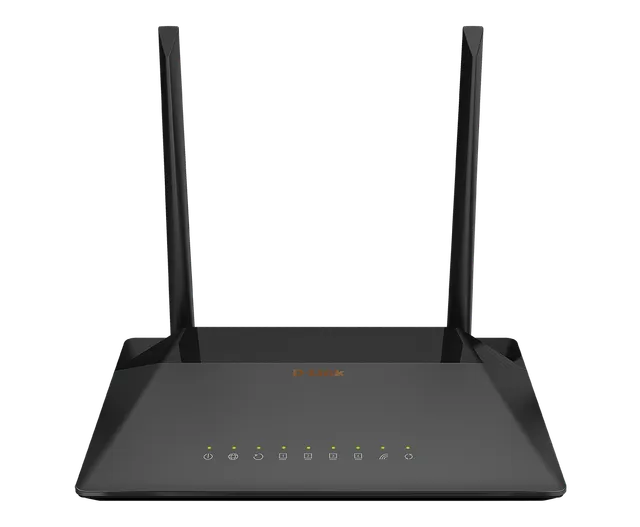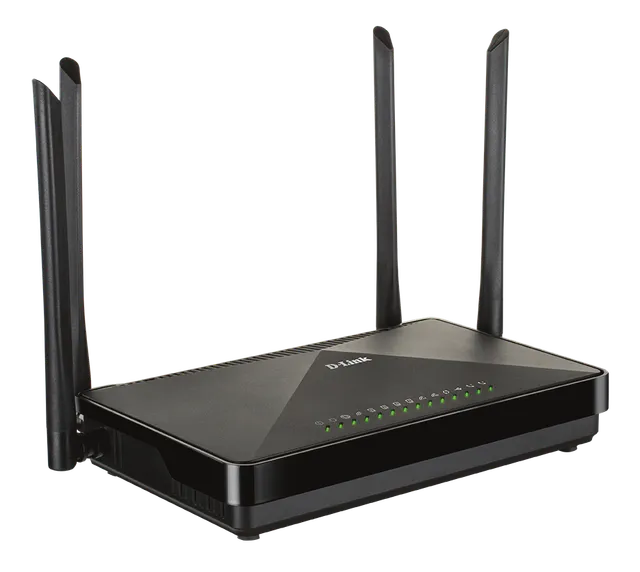
The DIR-612M Wireless N 300 Router is an attractive, high-performance router that makes it easy to share your broadband Internet connection with all your devices. Simply connect it to your broadband modem, then use the web-based Setup Wizard that guides you step by step through the configuration process. Whether you're surfing the web on your desktop or relaxing on the couch with your laptop, the DIR-612M keeps you connected wherever you are in your home.
DIR-612M
Wireless N 300 Router
- 10/100 Internet port to connect to broadband Internet with high transfer speeds.
- Two 10/100 LAN ports to connect wired devices for high-speed online activities.
- Latest Wireless N technology for increased speed and range, plus Repeater Mode to extend the reach of your existing wireless network.
- NAT Firewall to control traffic and prevent exploits and intrusions
- Wi-Fi Protected Setup (WPS) to quickly and securely add devices to your network
- WPA/WPA2 encryption to secure your wireless traffic
- Web browser-based setup and configuration
- Setup wizard to guide you through the configuration process
Overview
A Fast and Reliable Home Network
The DIR-612M creates a high-speed home network with wireless speeds of up to 300 Mbps¹ for fast file transfers, seamless web surfing, and smooth online gaming. The external antennas increase your wireless network's coverage so you can avoid dead spots and get a reliable connection in more places throughout your home. The DIR-612M also has Repeater Mode, which allows you to extend the range of your existing wireless network, allowing you to reach the farthest corners of your home or small office.
Flexible Connectivity for Your Devices
The DIR-612M keeps you connected, no matter whether you're using a desktop or laptop PC, a smartphone, or a tablet. Two 10/100 Fast Ethernet ports provide fast and reliable connectivity for your wired devices, while Wireless N 300 lets you connect all your wireless devices across your home. Get some work done on your desktop, play online with your game console, or check out online videos on your smartphone - the Wireless N 300 Router lets you access the Internet with all your devices.
Easy to Set Up and Secure
Sharing your Internet connection doesn't have to be a complicated process - just open a web browser to access the Setup Wizard and follow the easy step-by-step instructions to get started. Create a secure network in seconds using Wi-Fi Protected Setup, which instantly creates a secure connection to a new device without the need to enter settings or create passwords.
DIR-612M
Specifications
| Device Interfaces | Wireless N 300 Two 10/100 LAN ports 10/100 WAN (Internet) port |
|---|---|
| Antenna | 2x5dBi 2.4GHz External Antennas |
| Standards | IEEE 802.11n/g/b IEEE 802.3 IEEE 802.3u IEEE 802.3x |
| LED | LED: Power LED LED: Internet LED LED: WLAN LED LED: ETH LED |
| Minimum System Requirements | Windows, Macintosh, or Linux-based operating system Microsoft Internet Explorer 10 or higher, Microsoft Edge 20.10240 or higher, Firefox 44, Chrome 48 or higher, Safari 8, or Opera 35 Wired or wireless Ethernet adapter for Internet access Subscription with an Internet Service Provider |
| Security | WPA/WPA2/WPA3 (Wi-Fi Protected Access) Wi-Fi Protected Setup (WPS) |
| Advanced Features | Web Setup Wizard UPnP support Active Firewall - Network Address Translation (NAT) Repeater Mode Access Point Mode WISP Repeater Mode Wi-Fi Client Mode |
| Dimensions (LxWxH) | 105x105x31.5mm |
| Weight | 180g |
| Power | Input: 100 to 240 V AC, 50/60 Hz Consumption: 12V / 1A |
| Temperature | Operating: 0 to 40 °C (32 to 104 °F) Storage: -20 to 65 °C (-4 to 149 °F) |
| Humidity | Operating: 10% to 90% non-condensing Storage: 5% to 95% non-condensing |
| Certifications | CE FCC |
Actual performances may vary due to settings, cabling, temperature, network configuration, interface, device compatibility, environmental and on-site conditions, and other similar factors. References to power capability, signal or processing speed, signal range or distance, data encryption, storage capacity, display properties, or other performance metrics are based on optimal conditions derived from industry standards and provided for informational purposes only. Specifications may be subject to change without prior notice.