The DSL-224 Wireless N300 VDSL2 Modem Router is everything you need for high-speed Internet access throughout your entire home or office. It combines both a VDSL2/ADSL2+ modem and high-end wireless router together to create a single, easy-to-use device that connects to the Internet, and shares that connection with all of your wired and wireless devices. Its web-based configuration utility means you can easily set up and modify your network settings, for seamless connection with your ISP.
DSL-224
Wireless N300 VDSL2 Modem Router
- Built-in VDSL2/ADSL2+/ADSL modem for connecting to your high-speed broadband
- Four Fast Ethernet LAN ports to connect wired devices for high-speed online activities
- Fast 802.11n wireless for reliable long-range wireless connections to devices throughout your home
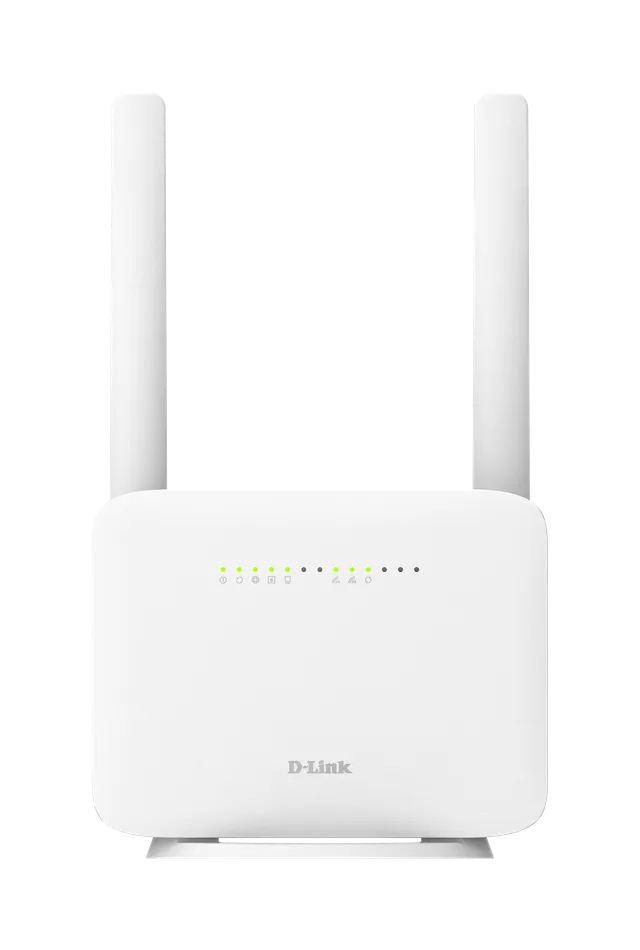
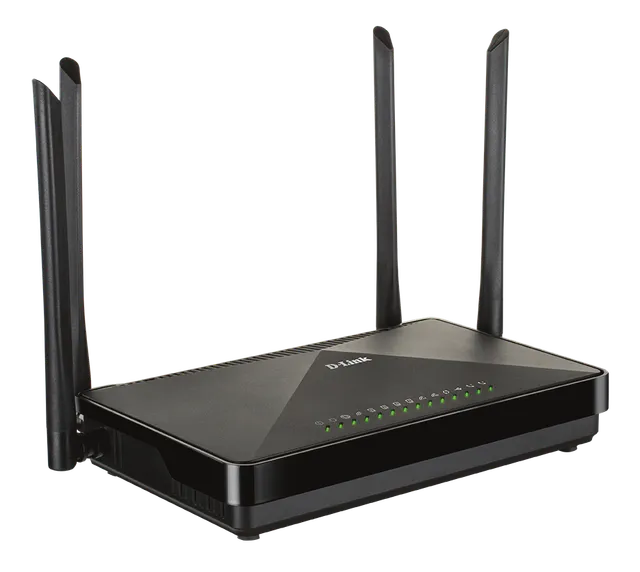
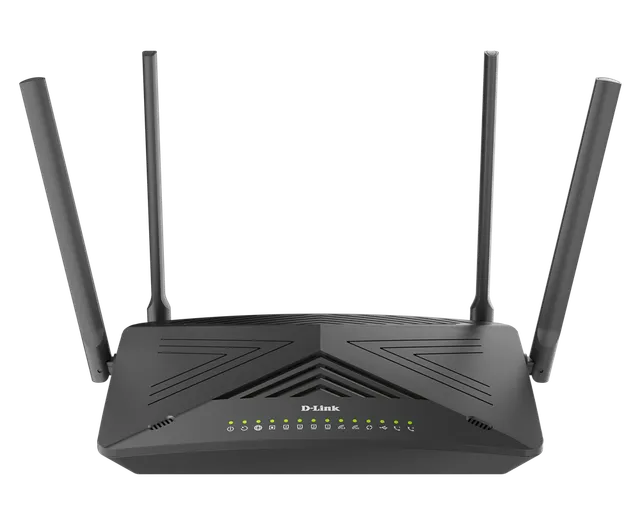
- Two external 5dBi fixed antennas
- Can function as a wireless router, bridge, or repeater
- NAT firewall to control traffic and help prevent unwanted intrusions
- Wi-Fi Protected Setup (WPS) to quickly add devices to your network
- WPA/WPA2 encryption to help keep your traffic from prying eyes
- Web browser-based setup and configuration
- Setup Wizard for quick setup
Overview
VDSL2/ADSL2+ Modem and Router in a Single Device
The DSL-224 combines the functionality of a high-speed VDSL2/ADSL2+ broadband modem and a wireless router in one device, eliminating the need for separate modem and wireless router devices. Connect to your VDSL2/ADSL2+ Internet Service Provider with download speeds of up to 100 Mbps, then immediately share the Internet connection with both wireless and wired devices. Additionally, the 4th LAN port on DSL-224 is multi-purpose, accepting both WAN and LAN Ethernet connections, giving you the freedom to access the Internet via VDSL2/ADSL2+, Cable, or other connection types.
Fast and Reliable Home Network
The Wireless N300 VDSL2 Modem Router is perfect for home or office environments; its high-speed wireless provides reliable connections to wireless devices, while Fast Ethernet LAN ports give you high-speed wired connection speeds. 802.11n wireless gives you the bandwidth to stream HD multimedia and feature-rich content across your home, so you can browse the Internet and stream digital media at speeds of up to 300 Mbps¹.
Easy to Set Up
Get the DSL-224 up and running in no time using the intuitive web-based configuration utility. Simply connect the DSL-224 to your computer, launch the configuration wizard, and follow a few easy steps to get your home or office network up and running.
DSL-224
Specifications
| Device Interfaces | 802.11n/g/b Wireless LAN Four 10/100Base-TX LAN ports² DSL |
|---|---|
| Standards | IEEE 802.3i IEEE 802.3u IEEE 802.11n/g/b |
| Minimum System Requirements | Windows 10/8/7/Vista/XP SP3 or Mac OS X 10.4 or higher Microsoft Internet Explorer 6.0, Firefox 3.0, Chrome 20.0, Safari 5.0 Subscription with an Internet Service Provider (ISP) |
| General | Wireless: EIRP on 2.4 GHz <100 mW |
| Security | WPA & WPA2 (Wi-Fi Protected Access) WEP 64-bit and 128-bit Wi-Fi Protected Setup (WPS) - PIN/PBC |
| Advanced Features | Quality of Service (QoS) UPnP support Stateful Packet Inspection (SPI) Network Address Translation (NAT) VPN pass-through/multi-session PPTP/L2TP/IPSec WDS (Wireless Distribution System) |
| Device Configuration/Management | Installation Wizard (Optional) Web-based GUI Code lock to prevent improper firmware upgrade Telnet Syslog monitoring |
| Dimensions | 205 x 141 x 44 mm (8.07 x 5.55 x 1.73 inches) |
| Weight | 253 grams (8.92 ounces) |
| Temperature | Operating: 0 to 40 °C (32 to 104 °F) Storage: -20 to 70 °C (-4 to 158 °F) |
| Humidity | 5 % to 95 % non-condensing |
| Certifications | CE RoHS |
Actual performances may vary due to settings, cabling, temperature, network configuration, interface, device compatibility, environmental and on-site conditions, and other similar factors. References to power capability, signal or processing speed, signal range or distance, data encryption, storage capacity, display properties, or other performance metrics are based on optimal conditions derived from industry standards and provided for informational purposes only. Specifications may be subject to change without prior notice.
Support