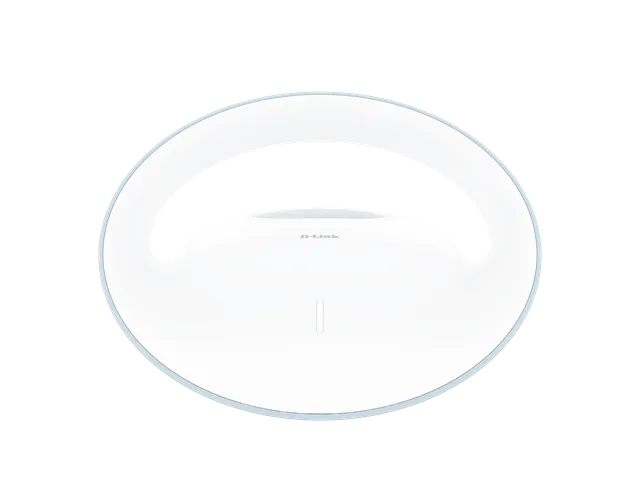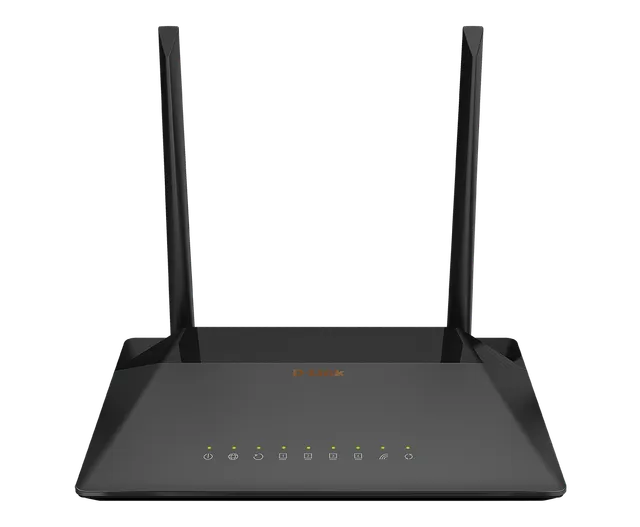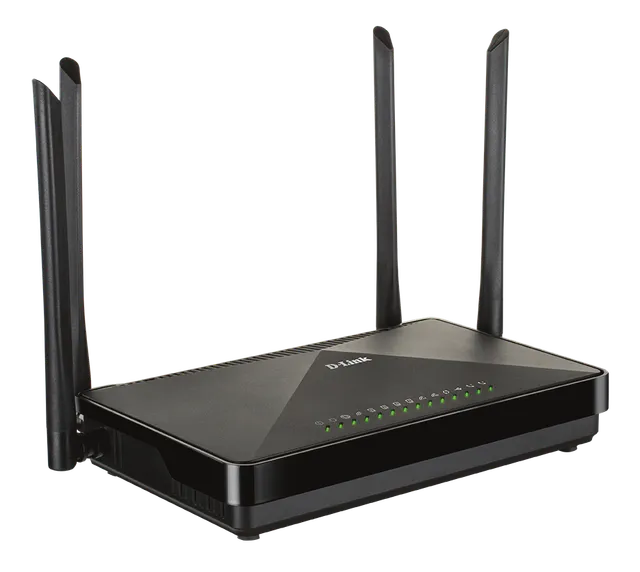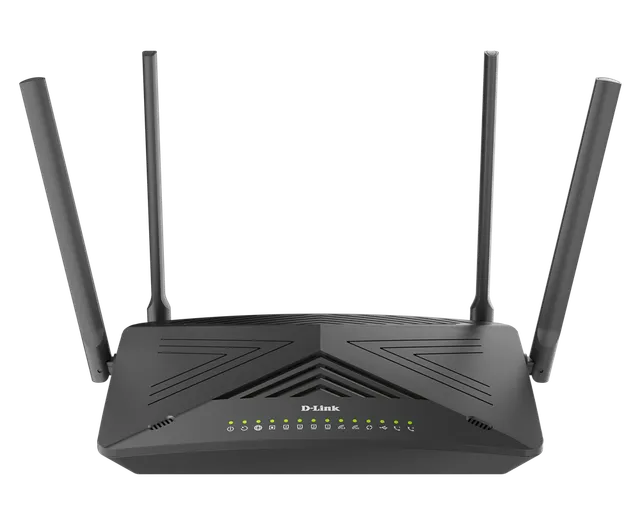
The DSL-G241GE Dual Band Wireless AC1200 VDSL2/ADSL2+ Modem Router is a highly integrated router with everything your home or small business needs for high-speed Internet access. It combines an ADSL2+/VDSL2 modem, Gigabit Ethernet WAN Port, and Gigabit wireless together in a single, easy-to-use product that shares an Internet connection for all your devices.
DSL-G241GE
Dual Band Wireless AC1200 VDSL2/ADSL2+ Modem Router
- Built-in ADSL2+/VDSL2 modem for connecting to your high-speed broadband Internet connection
- Gigabit WAN port (selectable between LAN/WAN) supports high-speed Internet connections of today and tomorrow
- Gigabit LAN port connects wired devices for high-speed online activities
- Fast 802.11ac wireless for high-speed connections to all of your PCs and mobile devices
- Wi-Fi Protected Setup (WPS) to quickly add devices to your network
- WPA/WPA2 encryption
- Quick Setup Wizard
Overview
Fast and Reliable Home Network
The D-Link DSL-G241GE Dual Band Wireless AC1200 VDSL2/ADSL2+ Modem Router creates a blazing fast home network that connects all of your devices to your broadband Internet connection. Concurrent dual-band 802.11ac brings you the future of high-bandwidth wireless connectivity, allowing you to stream HD video, make Internet voice calls, and surf the Internet from every corner of your home without interruption. Gigabit Ethernet ports provide high-speed wired connections for PCs, NAS or other devices. It’s stylish, easy to use, and provides you with a reliable network for today and tomorrow.
Multiple Failover Redundancy and Future Connectivity
The D-Link DSL-G241GE Dual Band Wireless AC1200 VDSL2/ADSL2+ Modem Router comes not only with a built-in high-speed VDSL/ADSL modem, capable of up to 100 Mbps VDSL/24 Mbps ADSL speeds, but is also equipped with a Gigabit Ethernet WAN port. This means that if your primary connection method should fail, the DSL-G241GE will automatically fall back to your pre-defined backup connection.
Smooth Streaming with Wireless AC
The DSL-G241GE uses the latest Wireless AC technology, which provides transfer rates of up to 1.2 Gbps¹ (866 AC + 300 N). The router operates on both the 2.4 GHz and 5 GHz wireless bands at the same time using concurrent dual-band technology and two external antennas. This allows you to browse the web, chat, and e-mail using the 2.4 GHz band, while simultaneously streaming digital media and playing online games on the 5 GHz band.
Easy to Set Up
Setting up the DSL-G241GE is easy with the D-Link easy setup wizard. Simply open the setup utility and follow a few easy steps to get your home network up and running. You can also set up a WPA2 encrypted network with the touch of a button using Wi-Fi Protected Setup (WPS). Simply press the respective WPS buttons on each device to instantly establish an encrypted connection to a new device. Your network will be encrypted with WPA/WPA2 wireless encryption and employ built-in dual active firewalls (SPI and NAT) to help protect your network from unauthorized access.
Designed for Optimal Wireless Coverage
The DSL-G241GE’s antennas have been carefully designed to ensure that you will get little to no dead space in any environment. The high-powered amplifier sends the signal into the farthest corners of your home, while high-gain antennas extend the maximum range of wireless signals.
DSL-G241GE
Specifications
| Device Interfaces | One RJ-11 xDSL Port Two 10/100/1000 Gigabit LAN Ports (1 x WAN selectable) 802.11 ac/n/g/b Wireless LAN¹ Power Button Wi-Fi Button WPS Button Reset Button |
|---|---|
| Antenna Configuration | Two external dual-band antennas |
| Maximum Wi-Fi Speed | 2.4 GHz: 300 Mbps¹ 5 GHz: 866 Mbps¹ |
| Standards | IEEE 802.11ac IEEE 802.11n IEEE 802.11g IEEE 802.11b IEEE 802.3i IEEE 802.3u IEEE 802.3ab IEEE 802.3az Energy Efficient Ethernet IEEE 802.3x Flow Control |
| Minimum System Requirements | Windows 8/7/Vista/XP or Mac OS X 10.3 or higher Microsoft Internet Explorer 9, Firefox 23, Chrome 28, Safari 7, or higher or other Java-enabled browser Ethernet or Wireless Network Interface Subscription with an Internet Service Provider (ISP) |
| ADSL Features | T1.413i2, G.992.1 G.dmt, G.992.2, G.lite G.992.3 (G.bis/ADSL2) G.992.5 (ADSL2+) ITU G.994.1 (G.hs) Annex L (Reach Extended ADSL2) |
| VDSL Features | ITU-T G.993.2 VDSL2 Supports 8a, 8b, 12a, 12b, 17a, 30a profiles Supports G.vector Supports ATM and PTM Supports G.INP Supports ATM forum UNI3.0, 3.1 and 4.0 permanent virtual circuits (PVCs) Supports CBR, UBR, VBR-rt, VBR-nrt Supports multiple PVCs Supports ITU-T I.610 F4/F5 OAM |
| Network Protocols | RFC2684 multiprotocol Encapsulation over ATM Adaptation Layer 5 RFC1483 multiprotocol Encapsulation over ATM Adaptation Layer 5 RFC2364 PPP over ATM AAL5 (PPPoA) RFC2516 PPP over Ethernet (PPPoE) RFC1662 PPP in HDLC-like Framing RFC1332 PPP Internet Protocol Control Protocol RFC1577/2225 Classical IP and ARP over ATM (IPoA) RFC894 A Standard for the Transmission of IP Datagrams over Ethernet Networks RFC1042 A standard for the Transmission of IP Datagrams over IEEE 802 Networks MER (a.k.a IP over Ethernet over AAL5) Support ALG (Application Level Gateways) |
| Wireless Security Features | WPA & WPA2 (Wi-Fi Protected Access) Wi-Fi Protected Setup (WPS) - PIN/PBC |
| VPN Server | GRE Tunneling: Up to 15 tunnels IPSec Server: Up to 15 tunnels |
| Advanced Features | Multi-language Web Setup Wizard UPnP support Multiple PVC (up to 8) Dual Active Firewall VPN pass-through/multi-session PPTP/L2TP/IPSec 802.1p QoS (Quality of Service) |
| Routing Features | RFC768 User Datagram Protocol (UDP) RFC791 Internet Protocol (IP) RFC792 Internet Control Message Protocol (ICMP) RFC793 Transmission Control Protocol (TCP) RFC826 An Ethernet Address Resolution Protocol (ARP) RFC862 Echo Protocol Support IP routing Support transparent bridging Support source and destination routing Support DHCP server/client Support UPnP Support NAT,NAPT Support DMZ Support IP QoS Support IGMP proxy Support IPv6 |
| Management Features | Device Configuration, Management and Update Web based GUI Command Line Interface via telnet, or SSH Universal Plug and Play (UPnP) Internet Gateway Device (IGDv1.0) WAN Management Protocol (TR-069) PSI configuration file upload and download Date/time update from SNTP Internet Time Server |
| Dimensions | 170 x 137.5 x 55 mm (6.69 x 5.41 x 2.16 in) |
| Power | Input: 100 ~ 240 V Output: 12 V / 1 A |
| Temperature | Operating: 0 to 45 °C (32 to 113 °F) Storage: -20 to 70 °C (-4 to 158 °F) |
| Humidity | 10 % to 95 % non-condensing |
| Certifications | CE LVD |
Actual performances may vary due to settings, cabling, temperature, network configuration, interface, device compatibility, environmental and on-site conditions, and other similar factors. References to power capability, signal or processing speed, signal range or distance, data encryption, storage capacity, display properties, or other performance metrics are based on optimal conditions derived from industry standards and provided for informational purposes only. Specifications may be subject to change without prior notice.