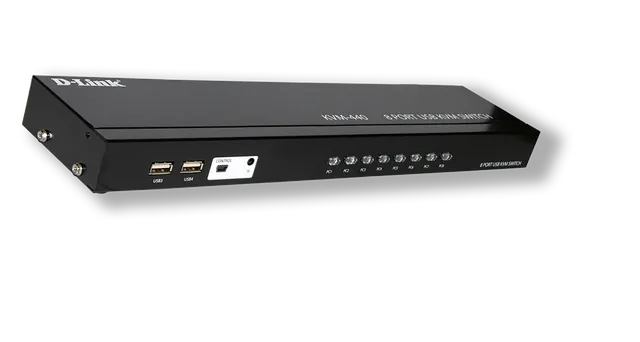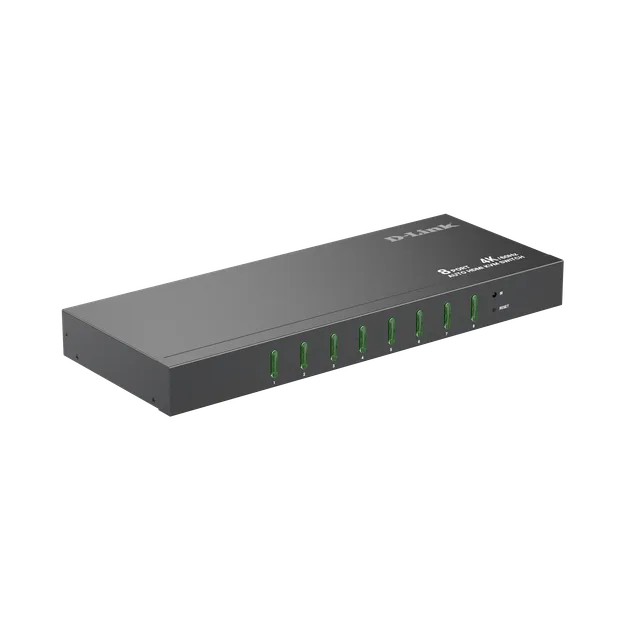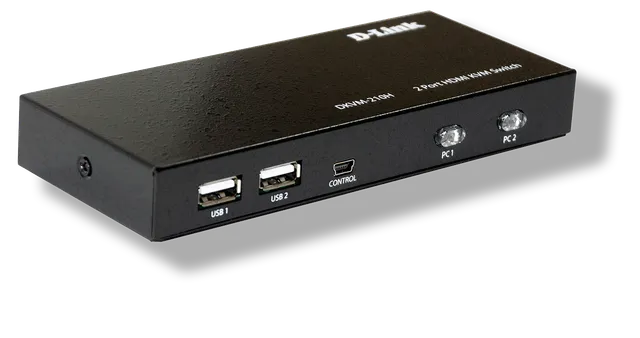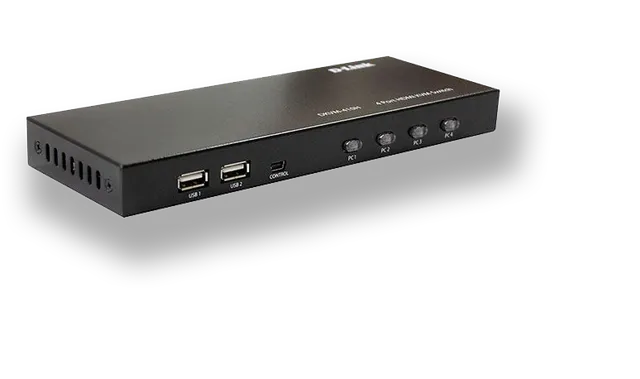
This KVM switch supports a keyboard, mouse and video display to control 2 PCs. The HDMI KVM switch supports Hot-key, Panel button and auto-scanning to switch ports. You can use a keyboard and mouse to start multiple hosts at the same time.
KVM-220HD
2 In 2 Out HDMI KVM Switch
- 2x groups of dual-channel HDMI input, 1 group of dual-channel HDMI output
- Support HDMI2.0/1.4
- HDMI signal up to 4K@60Hz 4:4:4 8-bit
- HDMI interface supports HDCP2.2/2.3/1.4
- HDMI interface supports automatic EQ adjustment
- Support panel button, Hot-key and desktop controller to switch port
- Built-in port selection LED indicator
- DC 5V power input interface
Overview
Special Note
Connects to 2 hosts through 4 HDMI inputs.
Each host requires a graphics card with 2 HDMI output ports and a USB connection to use this KVM device.
KVM-220HD
Specifications
| Number of computer connections | 2 |
|---|---|
| Switch method | Panel keys, hot keys, external desktop switch |
| Interface (Computer) | 2x USB-B 4x HDMI female |
| Interface (KVM console) | 2x USB-A for USB2.0 devices 2x USB-A for keyboard and mouse 2x HDMI female for monitor 1x Mini USB for desktop controller |
| Button | 2 sets of switch buttons |
| External switch interface | 1 key cycle switch |
| Power supply | DC 5V1A |
| Indicator light | 2 sets of port selection indicators |
| HDMI Version | Up to HDMI 2.0 |
| Video | Dual channel up to 4K@60Hz |
| Scan time | 5-199 seconds (default 5 seconds, can be set by hotkey) |
| Appearance material | Metal |
| Physical dimension | 220.4x80x25.8mm |
Actual performances may vary due to settings, cabling, temperature, network configuration, interface, device compatibility, environmental and on-site conditions, and other similar factors. References to power capability, signal or processing speed, signal range or distance, data encryption, storage capacity, display properties, or other performance metrics are based on optimal conditions derived from industry standards and provided for informational purposes only. Specifications may be subject to change without prior notice.