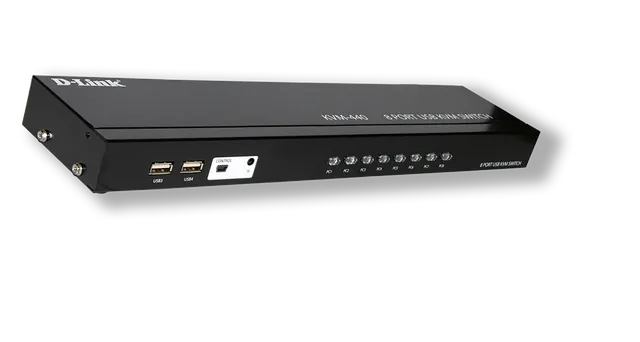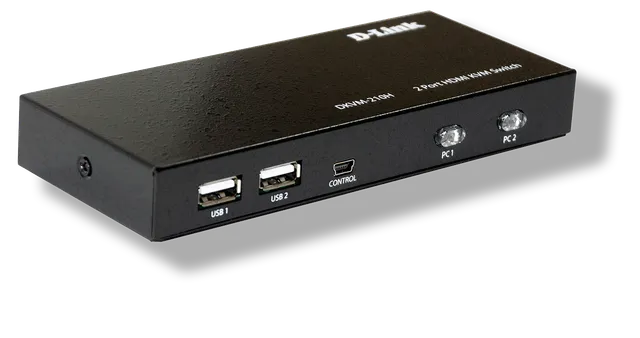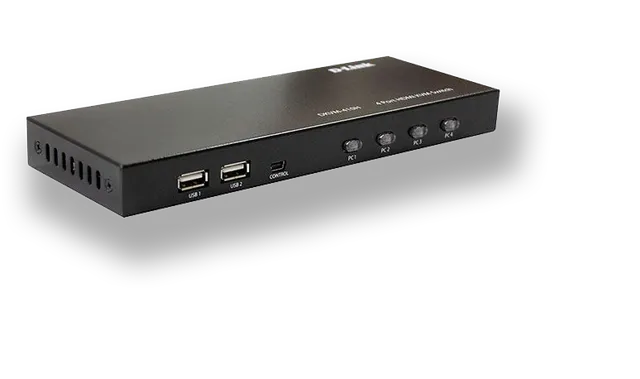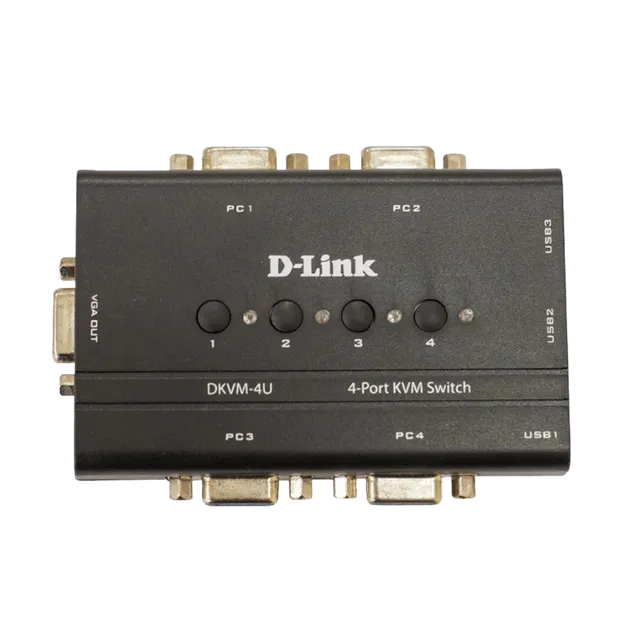
The HDMI KVM switch supports a keyboard, mouse and monitor to control 8 computers. It also supports a USB Hub. High definition is supported, and 4Kx2K@30Hz resolution is provided. You can switch this KVM switch over hot-key and push button. Hot-key means you can switch via the corresponding keyboard key.
KVM-440H
8 Port HDMI KVM Switch
- Support 8 HDMI computers input, 1 HDMI output
- Supports any USB2.0 devices through a USB HUB interface.
- Supports hot-swapping; there is no need to shut down the KVM switch or computer, and you can plug in or unplug a device that is connected.
- The resolution up to 4Kx2K@30Hz
- Switching method: hot-key and button.
- Must connect power adapter DC12V
Overview
KVM-440H
Specifications
| Computer Connections | 8 |
|---|---|
| Port Selection | Hotkeys, push buttons |
| Console Ports | Keyboard/Mouse: 4 x USB Type A Female Video: 1 x HDMI Female |
| KVM Ports | Keyboard/Mouse: 8 x USB Type B Video: 8 x HDMI Female |
| LEDs | Selected: 8 |
| Emulation | Keyboard/Mouse: USB |
| Video | 4Kx2K@30Hz |
| Scan Interval | 8 seconds default |
| Housing | Metal |
| Weight | 4.5 kg |
| Carton Lot | 4pcs |
| Package Contents | 1x User Manual, 8x KVM cable |
| Packing List | 1x 8 port HDMI KVM switch 1x Power adapter 1x User manual 4x 1.5m HDMI KVM cables 4x 1.8m HDMI KVM cables |
Actual performances may vary due to settings, cabling, temperature, network configuration, interface, device compatibility, environmental and on-site conditions, and other similar factors. References to power capability, signal or processing speed, signal range or distance, data encryption, storage capacity, display properties, or other performance metrics are based on optimal conditions derived from industry standards and provided for informational purposes only. Specifications may be subject to change without prior notice.