| Typical Solution | FTTH |
|---|
| Typical Business | Internet, VOIP, CATV, Wi-Fi |
|---|
| GPON/EPON Port | Single mode single fiber
GPON: FSAN G.984.2 standard, Class B+
EPON: 1000BASE-PX20+ symmetric
GPON: 2.488Gbps/1.244Gbps downstream/upstream
EPON: 1.25Gbps downstream/upstream |
|---|
| Wavelength | Transmit: 1310nm Receiver: 1490nm |
|---|
| Receiving sensitivity | GPON: -28dBm
EPON: -27dBm |
|---|
| Saturated power | GPON: -8dBm
EPON: -3dBm |
|---|
| Transmitting power | GPON: 0.5~5dBm
EPON: 0~4dBm |
|---|
| User Port(LAN) | 4*10/100/1000 M Auto-negotiation RJ45 ports
Full Duplex / Half-Duplex
RJ45, Auto-MDI/MDI-X
Transmission Distance 100 Meter |
|---|
| Wi-Fi performance parameters | IEEE802.11b/g/n(2.4G)
IEEE802.11a/b/g/n/ac(5G)
Max rate: 300M(2.4G)
Max rate: 867Mbps(5G) |
|---|
| CATV (Input/Output port) | Wavelength: 1550nm
Input optical power: -18dBm~0dBm(with AGC)
RF frequency: 47MHz~1000MHz
RF output level: 78dBuV (@-12~-2dBm@85MHz) (with AGC)
RF output return loss: >12dB(with AGC)
RF impedance: 75Ω |
|---|
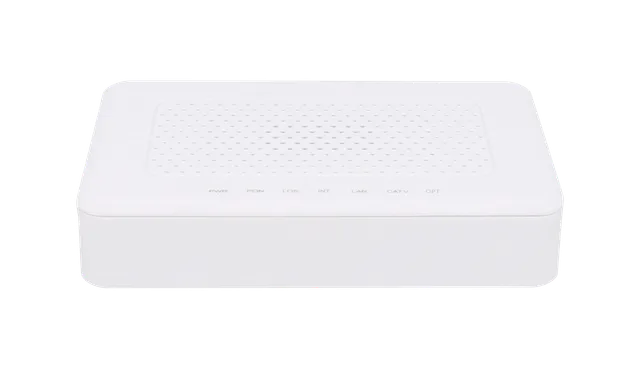
| Indicators | PWR / PON / LOS / LAN1-4 / TEL1-2 / CATV / Wi-Fi / INT / USB / OPT |
|---|
| Power | External 12VDC/1.5A power supply adapter
Power consumption: <15W |
|---|
| Dimension and Weight | Item Dimension: 240mm(L) x 240mm(W) x 24mm (H)
Item weight: about 335g |
|---|
| Environmental Specifications | Operating temperature: 0 to 40°C
Operating humidity: 10% to 90%(Non-condensing) |
|---|
| Management | EPON: OAM / WEB / TR069 / Telnet
GPON: OMCI / WEB / TR069 / Telnet |
|---|
| L3 | IPv4/IPv6 Dual Stack
NAT
DHCP client/server
PPPoE client/Pass through
Static and dynamic routing |
|---|
| Switch | MAC address learning
MAC address learning account limit
Broadcast storm suppression
VLAN transparent/tag/translate/trunk |
|---|
| Security | Firewall
MAC address/URL filter
Remote WEB/Telnet access control |
|---|
| Wireless | 2.4G: 4*SSID
5G: 4*SSID
2*2 MIMO
Choose channel automatically |
|---|
| Register | Auto-discovery/Link detection/Remote upgrade software
Auto/MAC/SN/LOID+Password authentication |
|---|
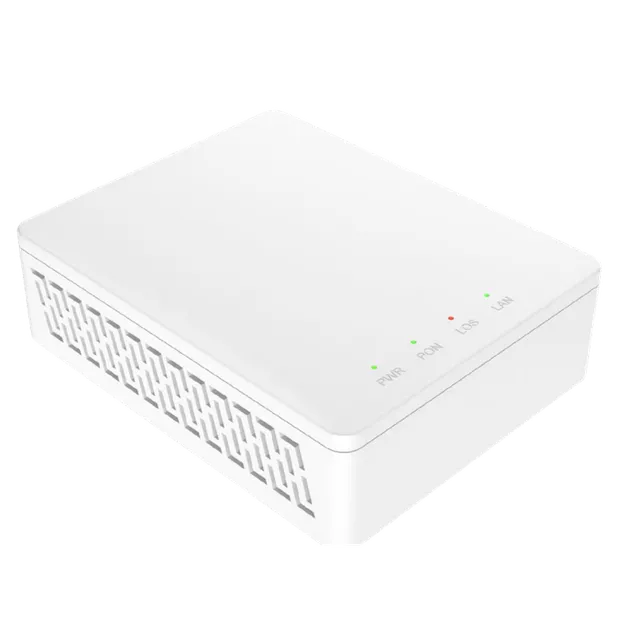
| PWR (LED Definitions) | Power Status
On: The ONT is power on;
Off: The ONT is power off; |
|---|
| PON (LED Definitions) | ONT Register
On: Success to register to OLT;
Blinking: In process of registering to OLT;
Off: Failed to register to OLT or no normal optical signal input; |
|---|
| LOS (LED Definitions) | PON Optical Signals
On: Optical power lower than receiver sensitivity;
Off: Optical in normal; |
|---|
| INT (LED Definitions) | Internet Status Indicator
On: The routed WAN Internet access service is normal.
Off: The routed WAN Internet access service is abnormal. |
|---|
| LAN1-4 (LED Definitions) | LAN Port Status
On: Ethernet connection is normal;
Blinking: Data is being transmitted through the Ethernet port;
Off: Ethernet connection is not set up; |
|---|
| TEL1-2 (LED Definitions) | Telephone Port Status
On: The connection between the TEL port and the voice server has been set up
Blinking: The voice service of the TEL port is established;
Off: The connection between the TEL port and the voice server is not set up. |
|---|
| CATV (LED Definitions) | CATV Status
On: CATV optical normal
Off: The CATV signals are not received |
|---|
| Wi-Fi (LED Definitions) | Wi-Fi
Blinking: Data is being transmitted
On: Wi-Fi function opens |
|---|
| USB (LED Definitions) | USB Port Status
On: USB connection is normal;
Off: USB connection is not set up; |
|---|
| OPT (LED Definitions) | Light Intensity Indicator
On: higher than ONU RX maximum threshold;
Flashing: lower than ONU RX minimum threshold;
Off: ONU RX is within the normal threshold range. |
|---|
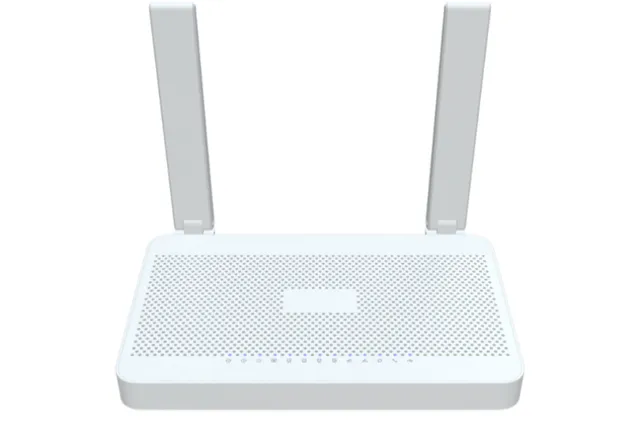
| Ordering Information | FTTH/O ONT, 1 GPON/EPON interface (SC/APC), 4 Gigabit LAN port, Wireless AC1200, 2 x FXS, CATV port, 1 x USB 2.0, 4 external antennas |
|---|